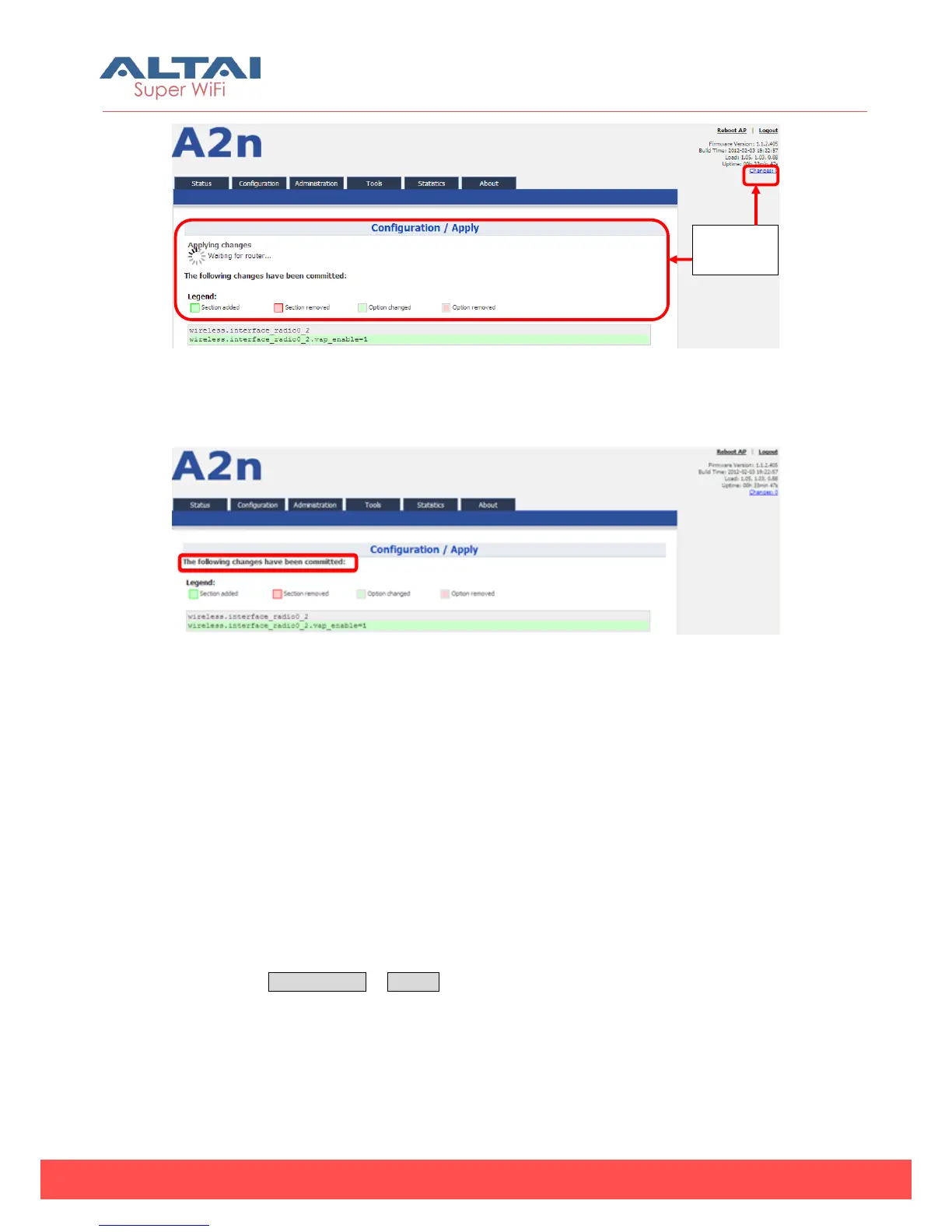
Figure 5-4 Save and Apply changes
5. You will find “The following changes have been committed”
Figure 5-5 Changes have been committed
6. The whole committing changes progress, it is no need to reboot A2n.
5.2. Basic Configuration
5.2.1. Basic System Setting and NTP Configuration
NTP is a network time protocol for the A2n Access Point to synchronize the system time.
NTP is disabled by default. If NTP is needed, IP address of the NTP server must be
added and A2n will synchronize with the NTP server. It is useful to maintain the
network and make sure all APs are using the same system time by setting the same
NTP server.
Please select Configuration -> System to configure NTP setting.



 To Next Page