7.2. Diagnosis
Press Tools -> Diagnosis to start the diagnosis.
7.2.1. Ping to Host
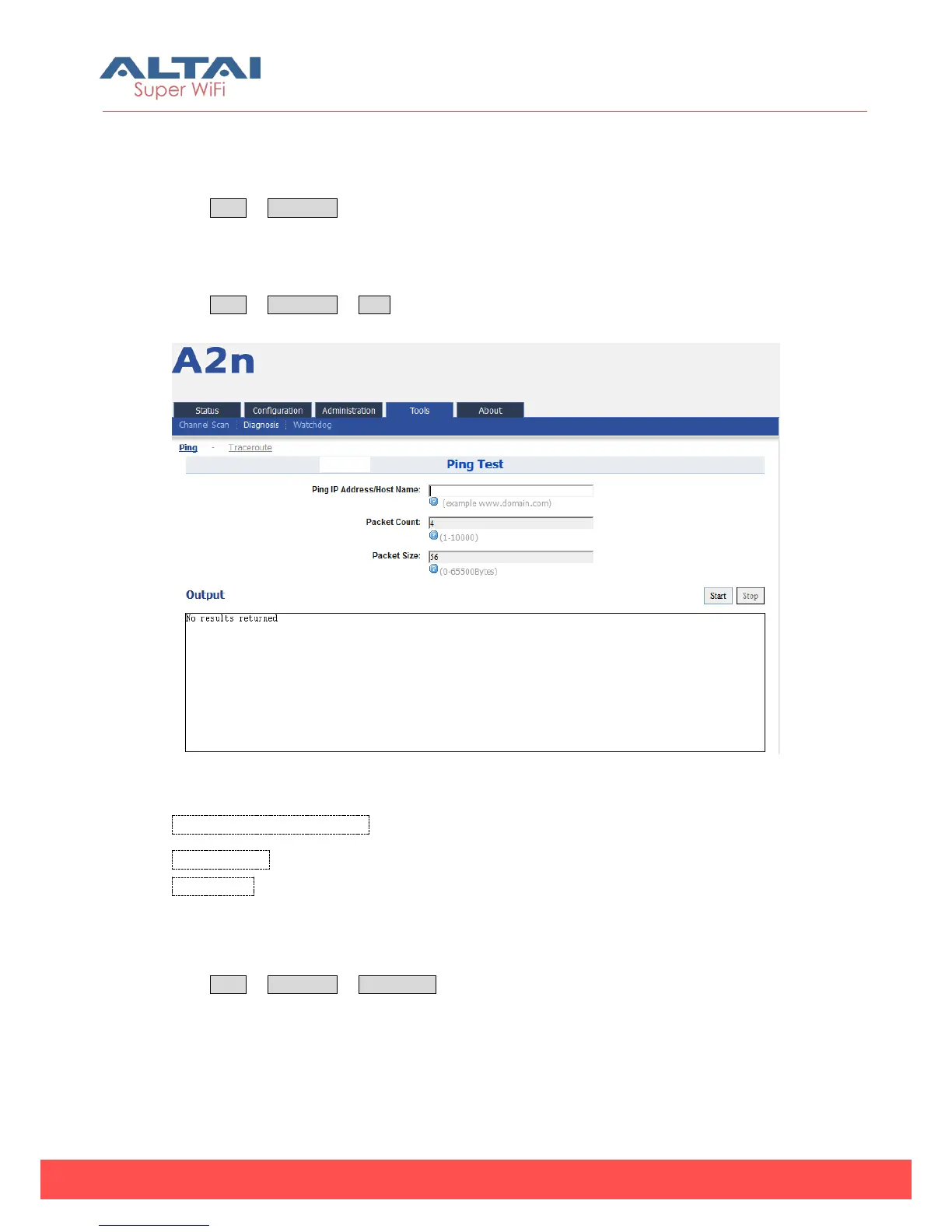
Press Tools -> Diagnosis -> Ping to start the ping.
Figure 7-9 Ping
Ping IP Address/Host Name :Type in the target IP address or target Host name.
Packet Count:The range for Packet count is 1-10000.
Packet Size:Type in the packet size for ping.
7.2.2. Traceroute to Host
Press Tools -> Diagnosis -> Traceroute to start the trace.



 To Next Page