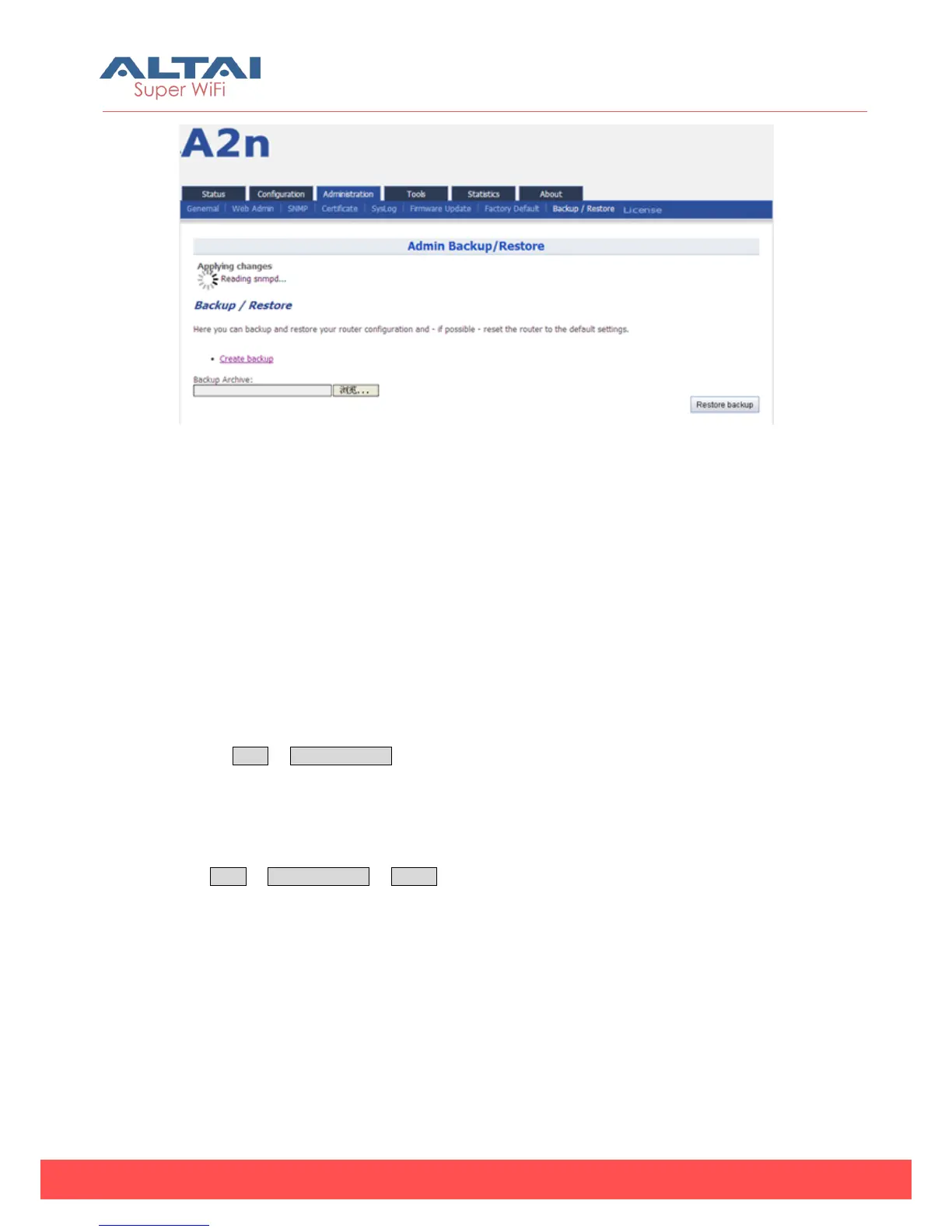
Figure 6-16 Press “Restore backup” to start restore
7. System Tools
A2n provides useful tools, this enable the user to have better radio planning.
7.1. Channel Scan
Through the channel scan tool of A2n,user is able to know the status of 2.4GHz/5GHz
channels around the A2n, this provides useful information to the user on how to
configure A2n and radio planning.
Press on Tools -> Channel Scan to open the channel scan, for 2.4G select “radio0” or
for 5G, select “radio1”.
7.1.1. 2.4G Channel Scan
Press Tools -> Channel Scan -> radio0 for 2.4G channel scan.



 To Next Page