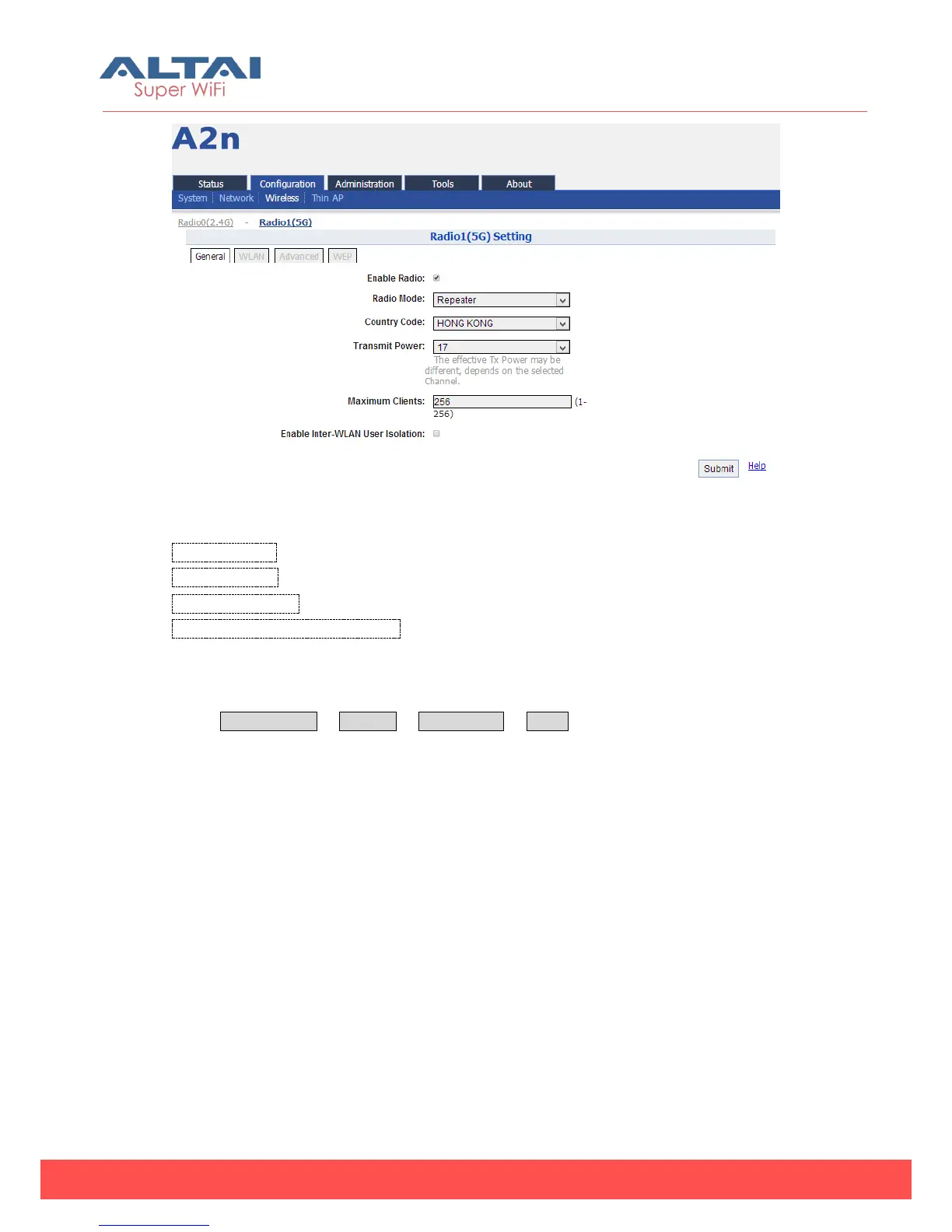
Figure 5-59 5G Repeater Mode
Country Code: HONG KONG is default setting.
Transmit Power:By default, it is 17.
Maximum Clients: 256 is default setting.
Enable Inter-WLAN User Isolation:By default, it is disable.
5.3.2.4.1. WLAN Setting
Select Configuration -> Wireless -> Radio1 (5G) -> WLAN to access the WLAN setting
web page.



 To Next Page