9. Multicast Data Rate set multicast data rate
10. Click Submit
11. Click Save&Apply to apply
Warnings: The default setting for advance is recommended.
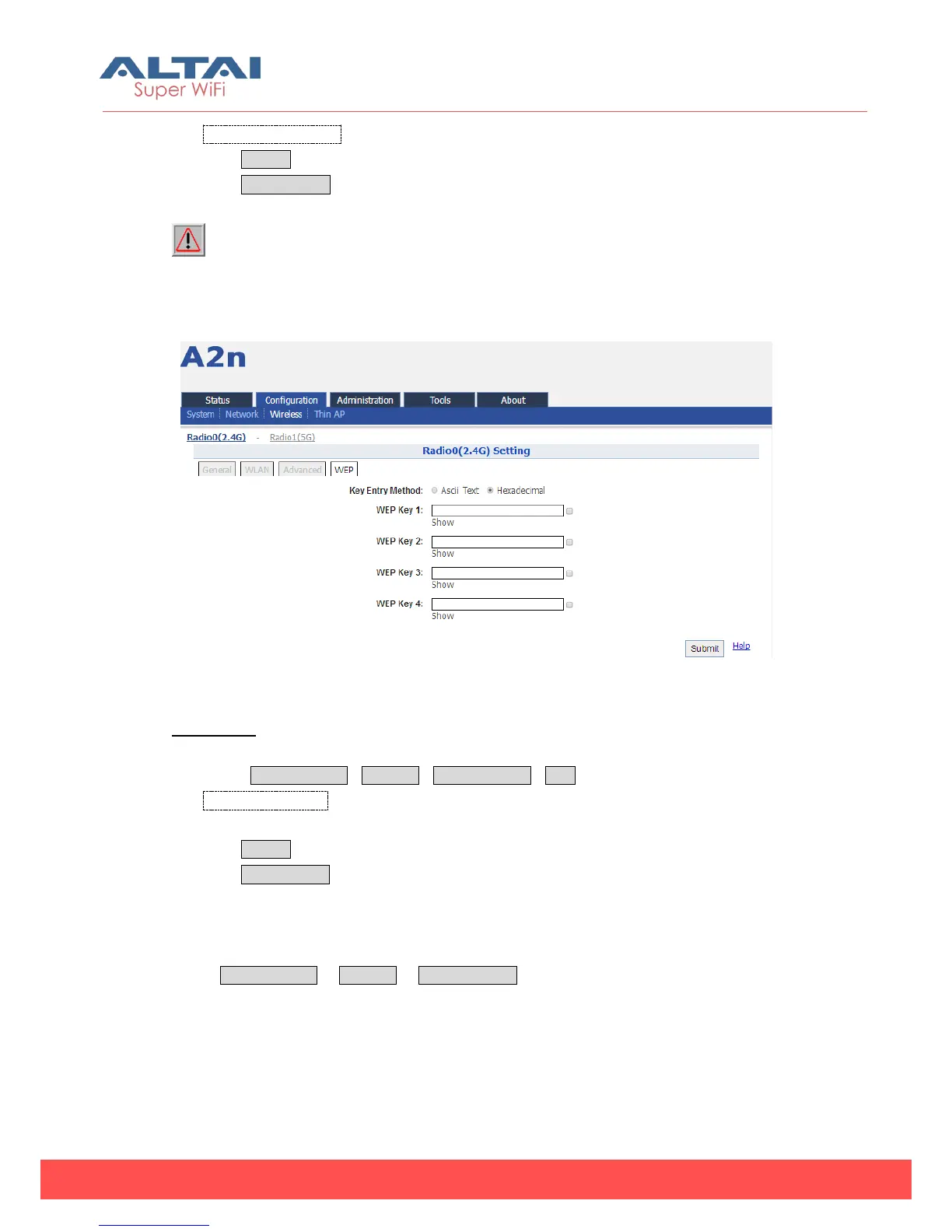
5.3.1.4. 2.4G WEP Key
Figure 5-40 2.4G Radio WEP Key
Procedures:
1. Select Configuration->Wireless->Radio0 (2.4G)->WEP
2. Key Entry Method select the key format
3. Input key phrase in related WEP Key
4. Click Submit
5. Click Save&Apply to apply
5.3.1.5. 2.4G Configuration — Station Mode
Select Configuration -> Wireless -> Radio0 (2.4G), and then select “Station” for Radio
Mode.



 To Next Page