o Ethernet interface: eth0
o VAP interfaces: athXXX
o Bridge interface: br-lan
o Permanent 2
nd
IP Interface: br-lan:1
Network interface setting:
o br-lan: Static IP = 192.168.1.222
o br-lan:1:Static IP = 192.168.99.xxx (Permanent IP)
6.7. Backup/Restore
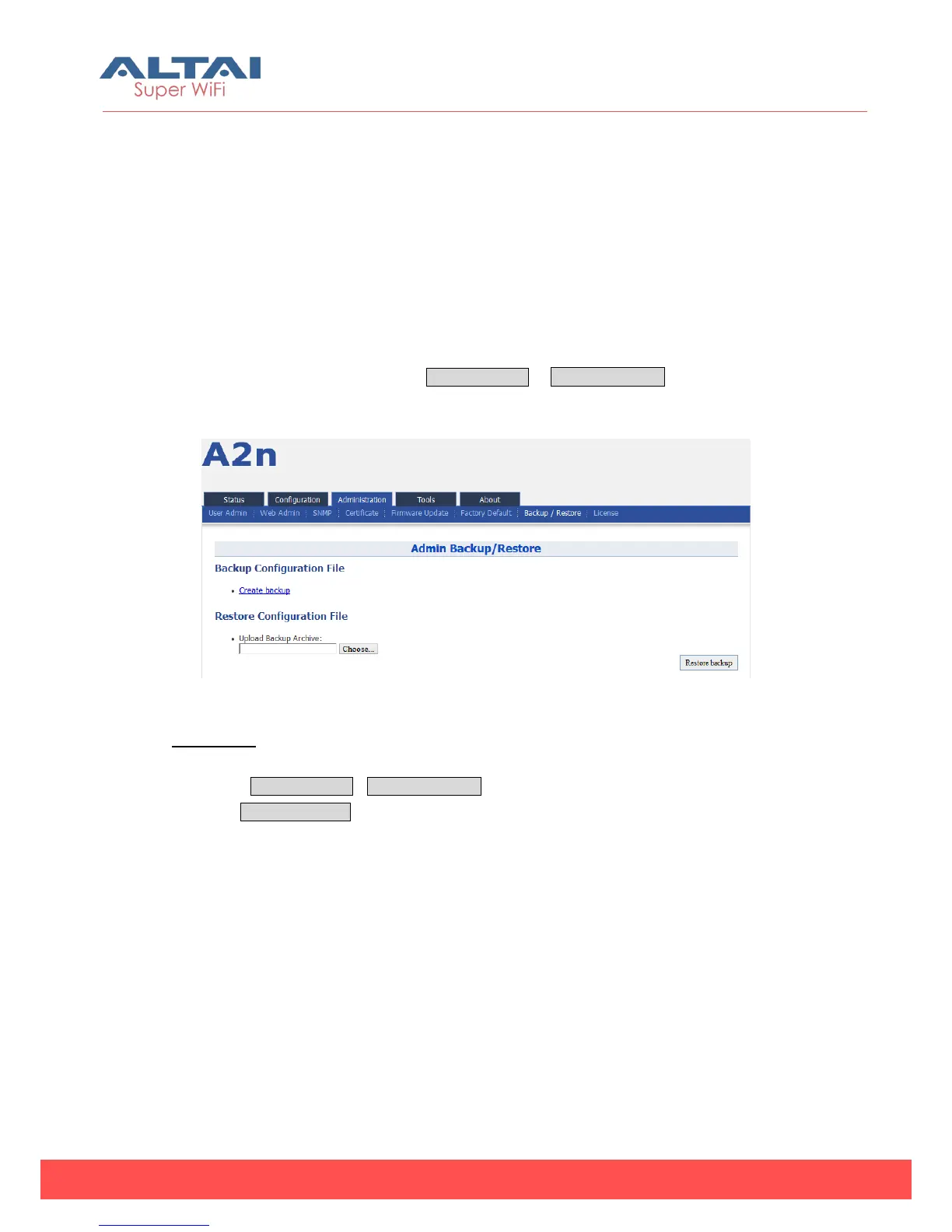
A2n supports Backup/Restore, Press Administration -> Backup/Restore to open the
configuration interface.
Figure 6-13 A2n Backup/Restore
Procedures:
1. Select Administration->Backup/Restore
2. Press Create backup and save it.



 To Next Page