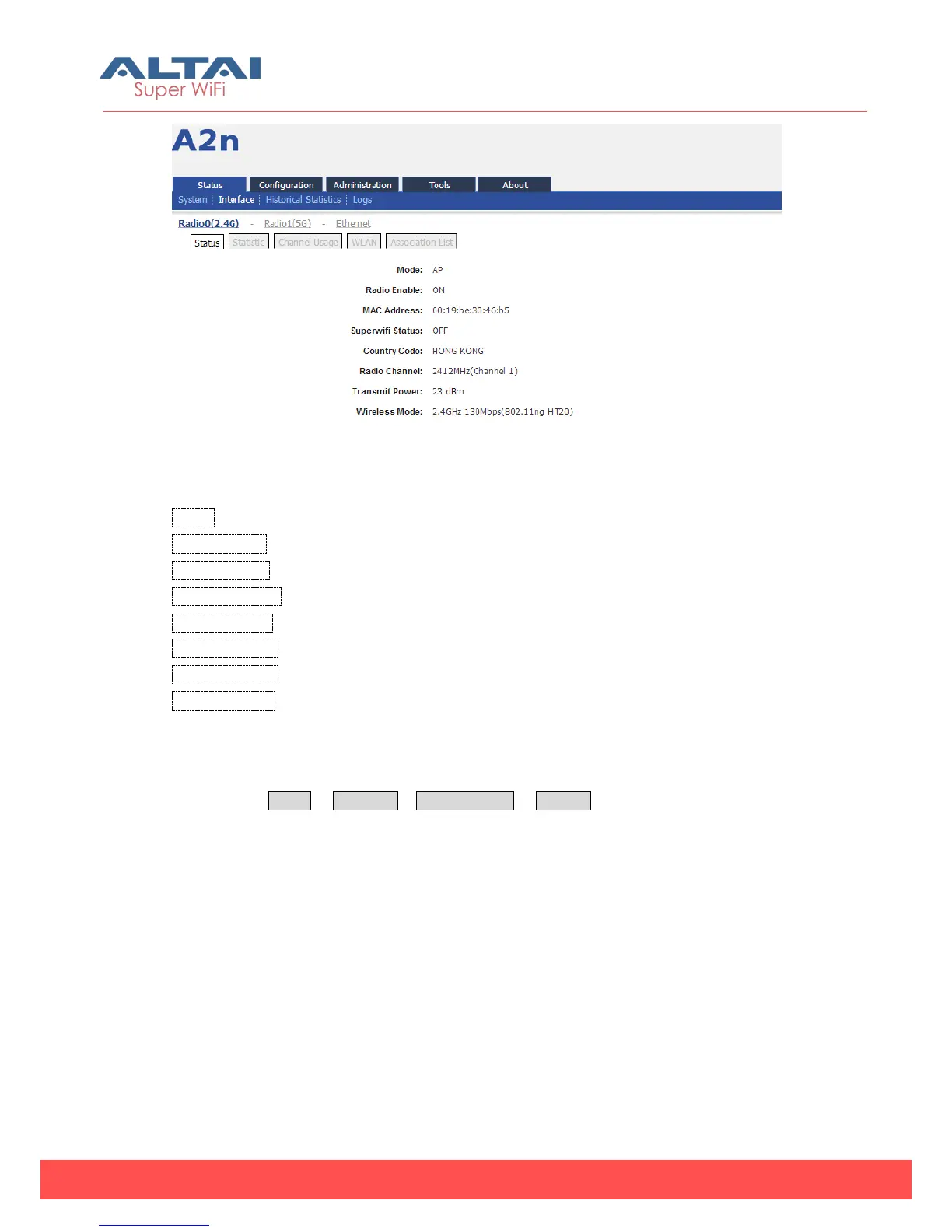
Figure 4-3 Interface Status
Mode:Operation mode including AP, Station, Repeater.
Radio Enable:Radio0 (2.4G) status (ON/OFF)
MAC Address:Radio0 (2.4G) MAC address.
Superwifi Status:Superwifi Status (ON/OFF)
Country Code: HONG KONG is the default country code.
Radio Channel:Radio0 (2.4G) current channel
Transmit Power:Radio0 (2.4G) transmit power
Wireless Mode:Radio0 (2.4G) wireless mode
4.2.1.2. Statistic
Please select Status -> Interface-> Radio0 (2.4G) -> Statistic to check Radio0 (2.4G)
statistics information which includes Radio0 Packets (Tx and Rx), Packet Rate (Tx and
Rx), Total Traffic (Tx and Rx) and Throughput (Tx and Rx).



 To Next Page