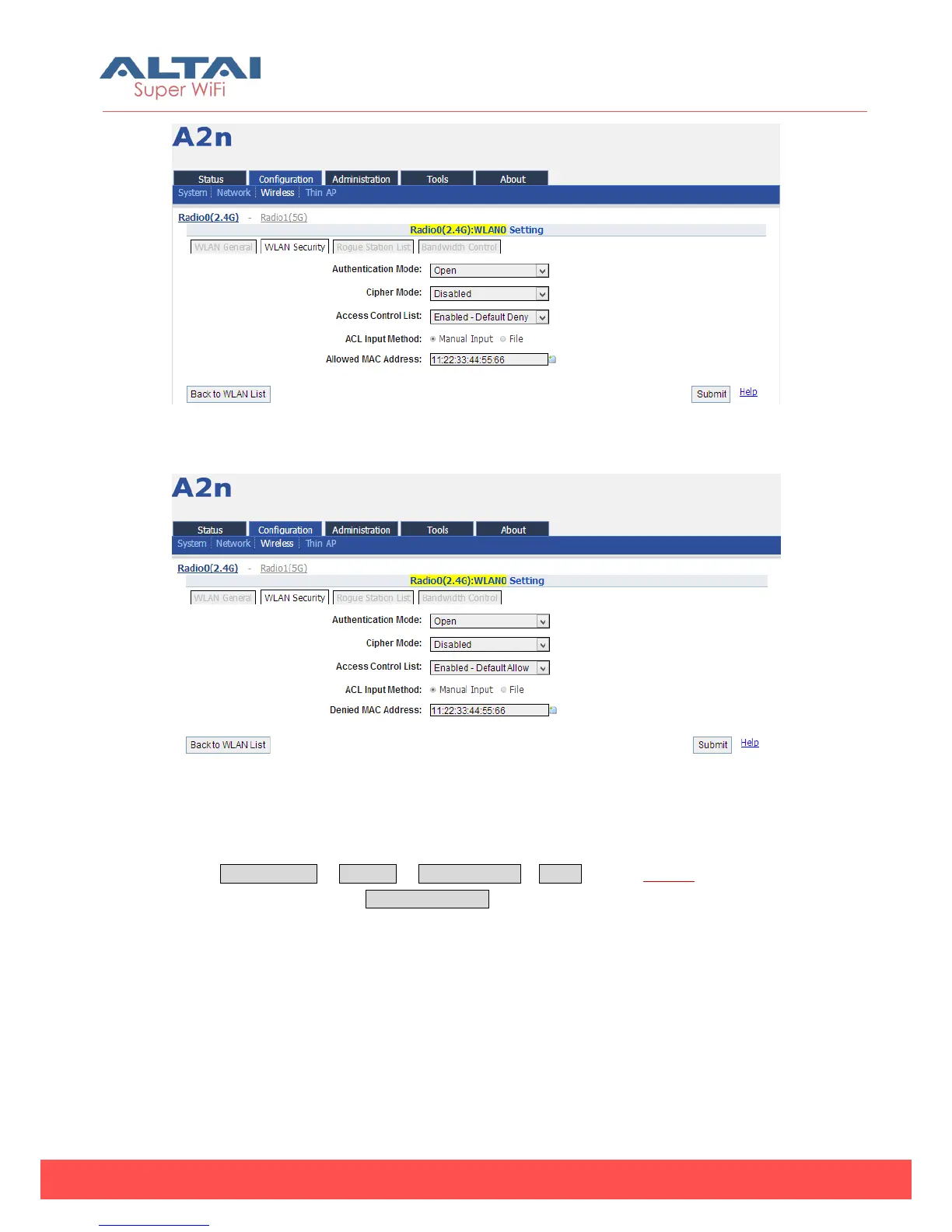
Figure 5-35 ACL – Add Allowed MAC address
Figure 5-36 ACL – Add Denied MAC address
5.3.1.2.3. Rogue Station list
Select Configuration -> Wireless -> Radio0 (2.4G) -> WLAN to edit “More…” behind
the WLAN, and then select Rogue Station List to access to Rogue Station List
configuration page.
You can add the rogue station mac address in the list.



 To Next Page