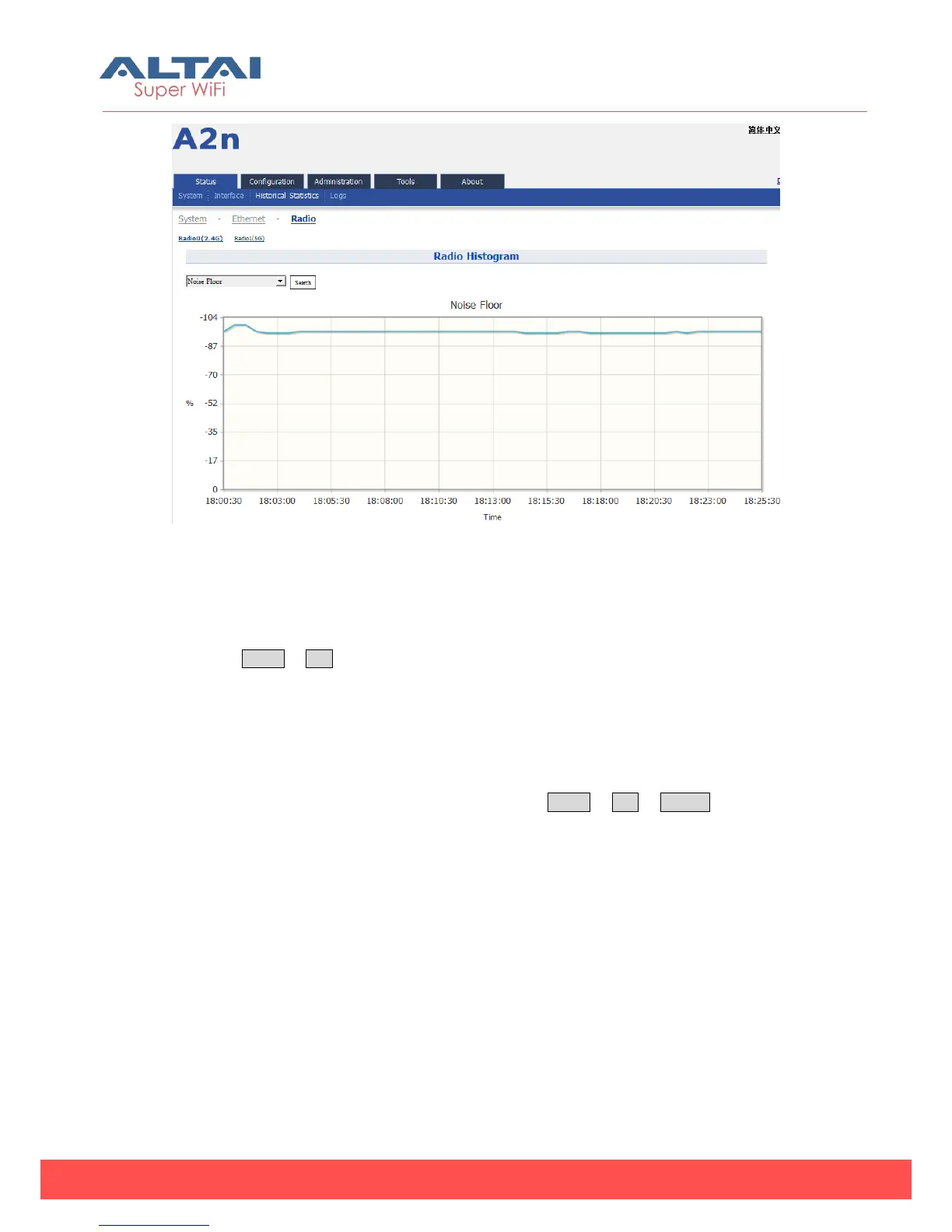
Figure 4-27 Noise Floor (2.4G/5G) Historical Statistic
4.4. Log
In order to realize easier monitoring and diagnosis, A2n provides log function.
Selecting Status -> Log, you will find 3 sub-items below: System Log, Panic Log and
Alarm Logs.
4.4.1. System Log
The system log gives A2n system information like: software, hardware, system
configuration, and self-checking result. Please select Status -> Log -> SysLog to check
system log:



 To Next Page