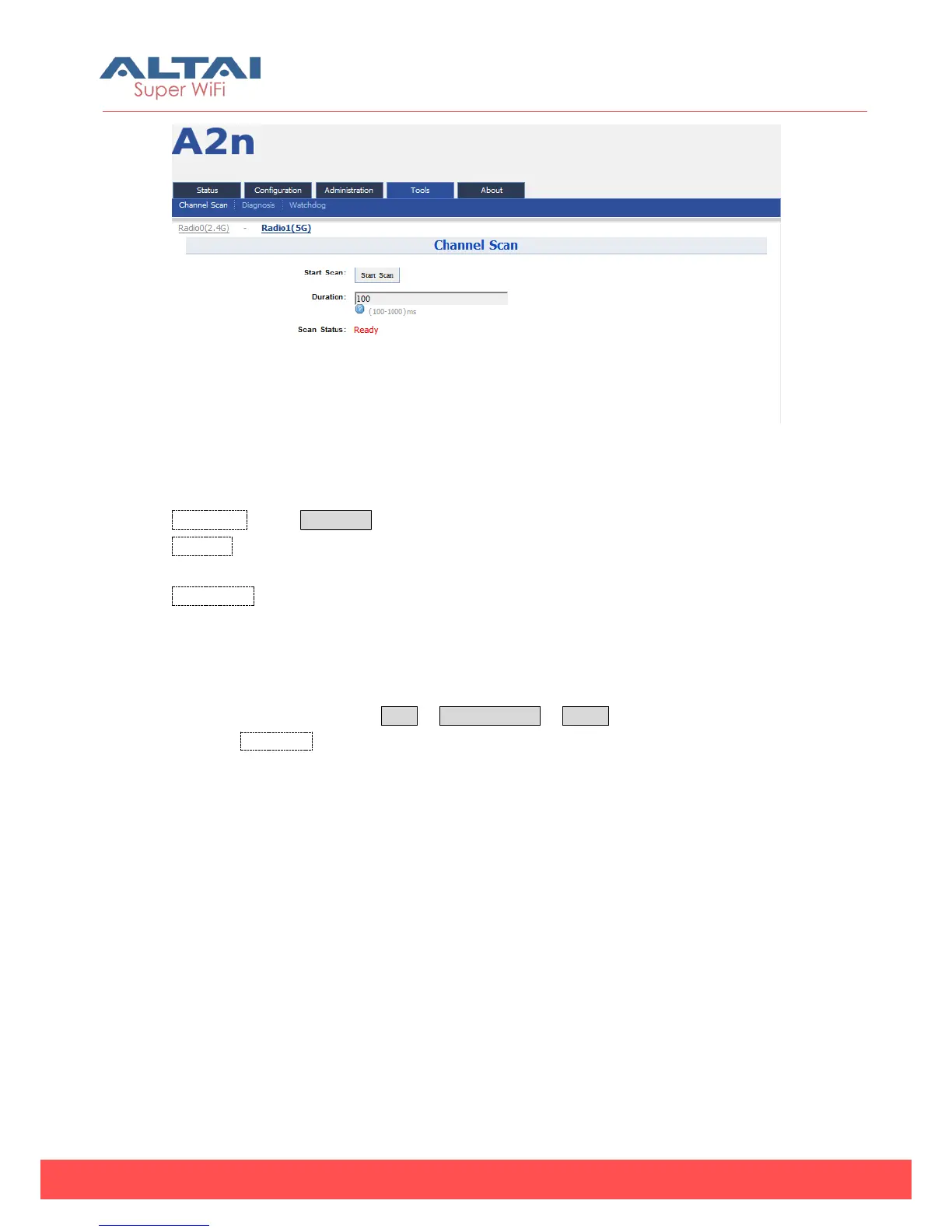
Figure 7-5 5G Channel Scan
Details of 5G channel scan:
Start Scan :Press Start Scan to start 5G channel scan.
Duration:The switching time of the channel scanning interval, setting range is 100-
1000ms, default is 100ms.
Scan Status:A2n Base station channel scan status, “Ready” means it can start scan.
“Success” means scan finished.
Procedures:
1. In the main menu, select Tools -> Channel Scan -> radio1
2. Press Start Scan
3. Wait until the scan status change to “Success”. The scanning will take
approximately 20 seconds
1) Channel Usage Info



 To Next Page