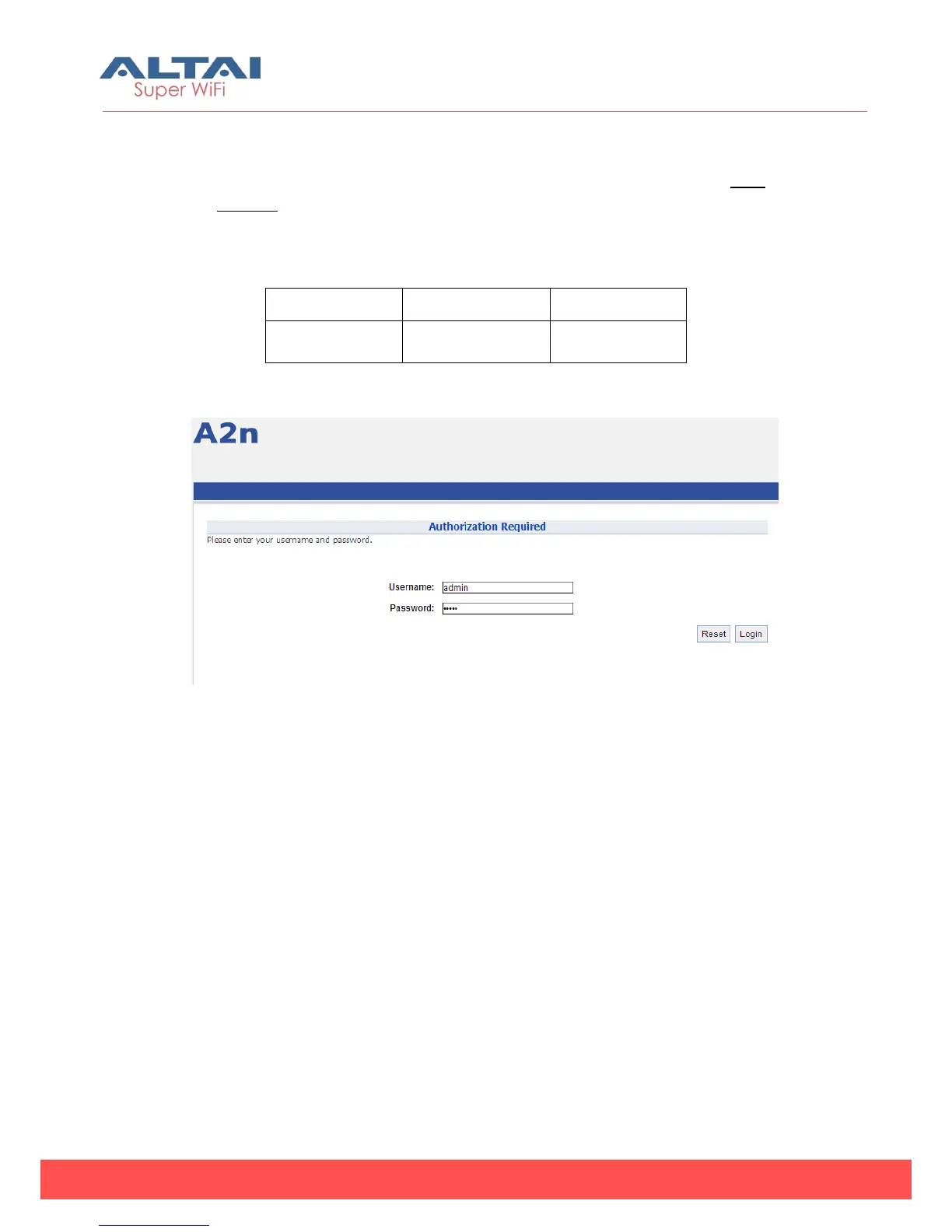
2) A window will pop up, as shown in Figure 3-5. Enter the user name and
password in the corresponding fields, which are the same as for the CLI. The
default User Name and Password are shown in Table 3-1. They are case
sensitive.
3) Other level account for only view is shown in Table3-1 also. With this view only
account, the user only can view the configuration of A2 but no change right.
Table 3-1 A2n default username/password
Figure 3-5 Enter User Name and Password
4) A home page in IE appears, as shown in Figure 3-6. A Menu Bar is located on
the top of the IE window. Different functions can be accessed through the
menu bar.



 To Next Page