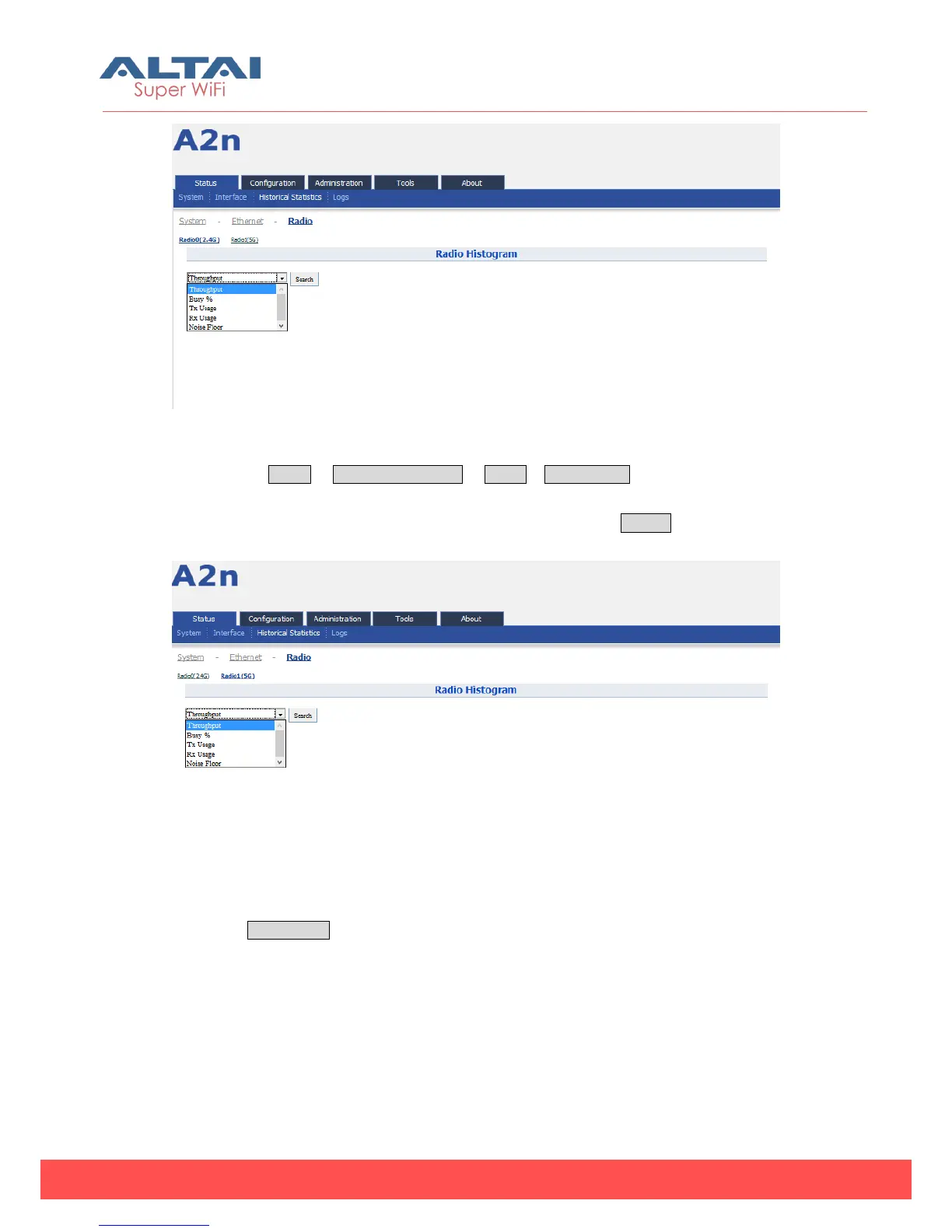
Figure 4-21 Radio0 (2.4G) Historical statistic
Please select Status -> Historical Statistics -> Radio-> Radio1 (5G) to check 5G radio
historical which includes “Throughput”, “Busy%”, “Tx Usage”, “Rx Usage” and “Noise
Floor”. Select the item from the drop-down menu and click the Search
Figure 4-22 Radio1 (5G) Historical statistic
1) Radio Historical (2.4G/5G) — Throughput
Select the throughput then you can check the Tx/Rx bit Per Second histogram.



 To Next Page