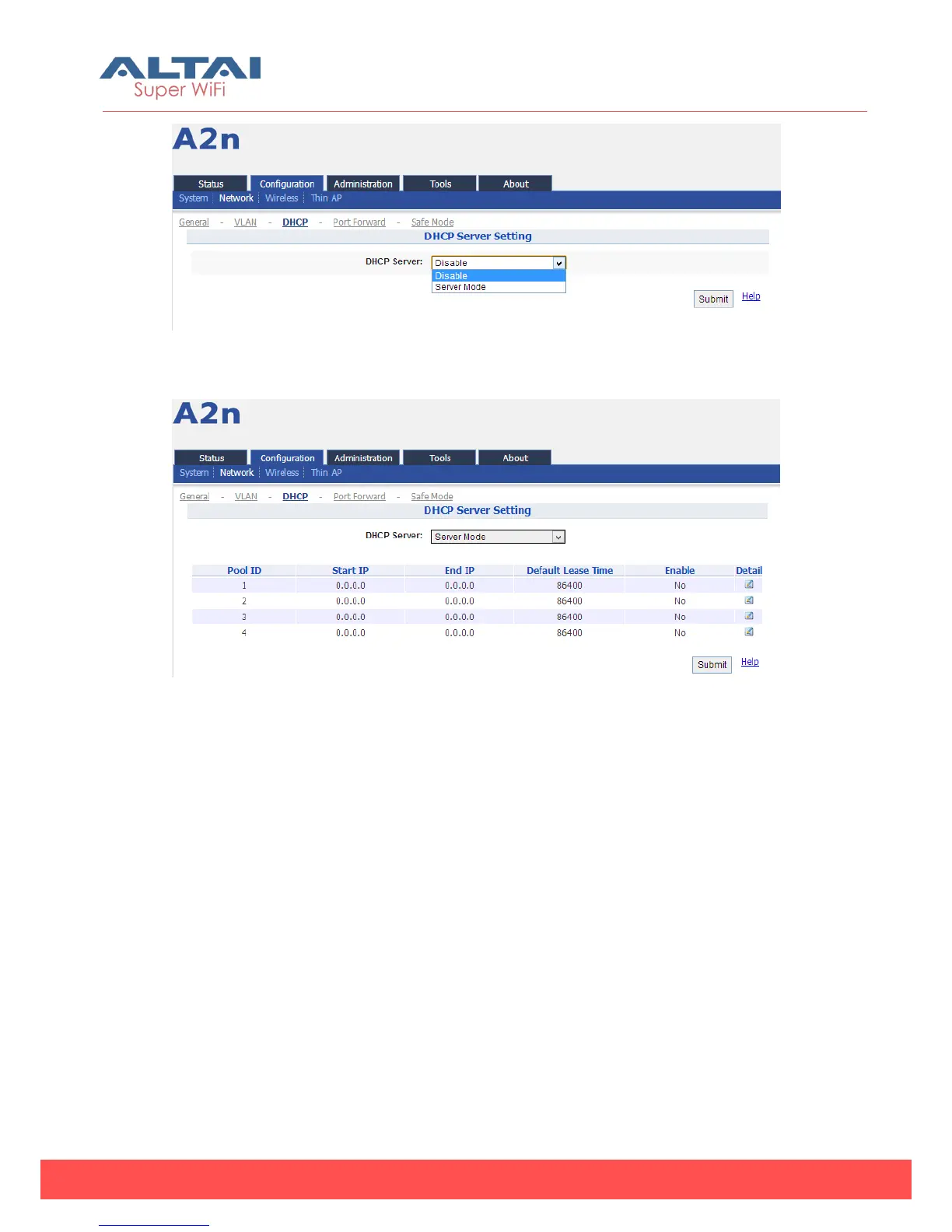
Figure 5-16 DHCP Server Setting drop-down Menu
Figure 5-17 DHCP Server Mode Setting
If the DHCP Server Mode is set to Server, then the A2n will act as a DHCP server for
allocation of IP address to the wireless client associated. The following procedures
show the allocation of the IP address, subnets mask, gateway and DNS information.
And edit the Pool ID 1.



 To Next Page