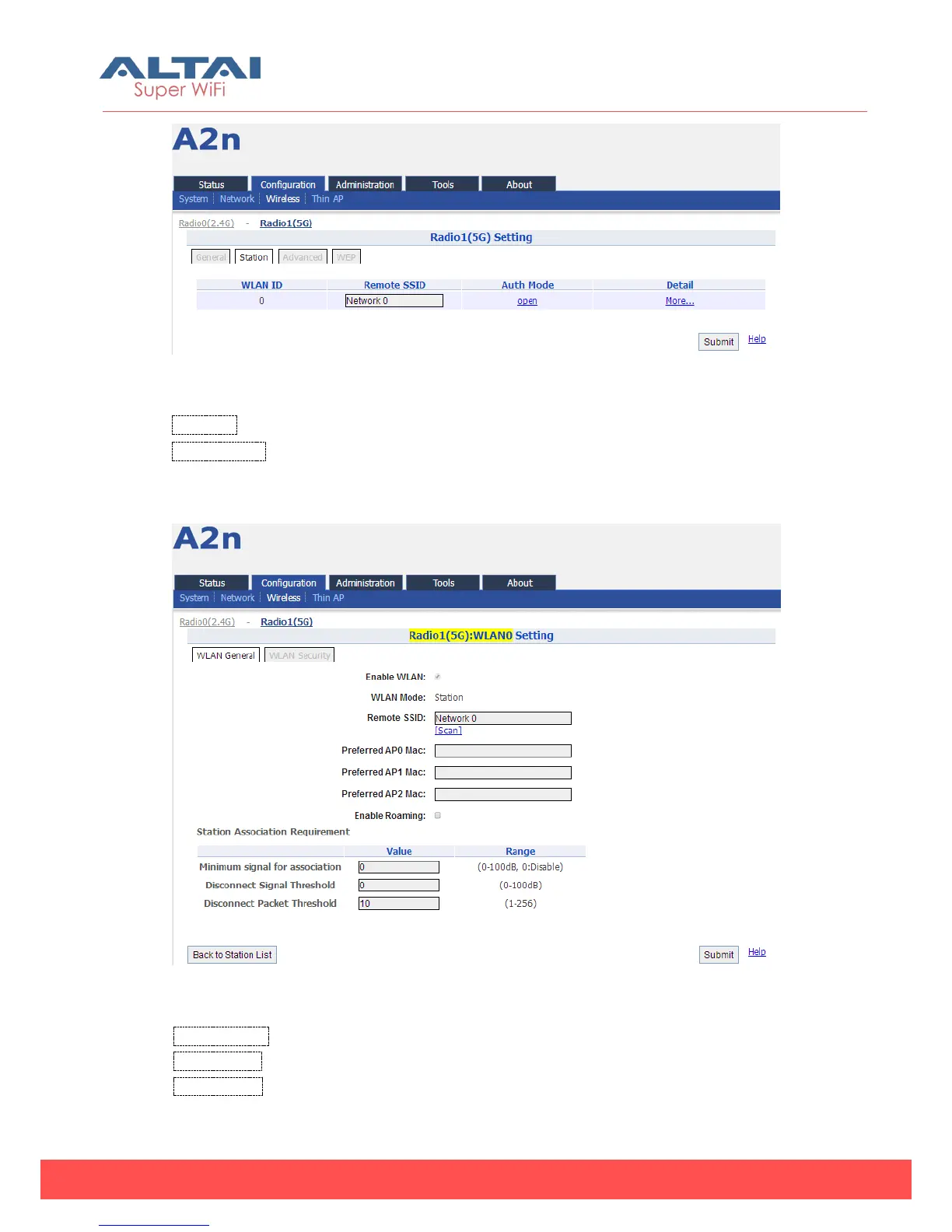
Figure 5-56 Station mode setting
WLAN ID :WLAN number.
Remote SSID: Type in the target SSID for station to associate to. Or click the “More…”
for more detail station settings.
Figure 5-57 Station detail setting
Enable WLAN: The default is enabled.
WLAN Mode: The default is "Station".
Remote SSID: The station shall be able to input the remote SSID with string [0...32]. The
remote SSID is the SSID originated by the AP in WDS mode.



 To Next Page