7-17
Cycle and Control Value Programming Operator Manual P129390-106
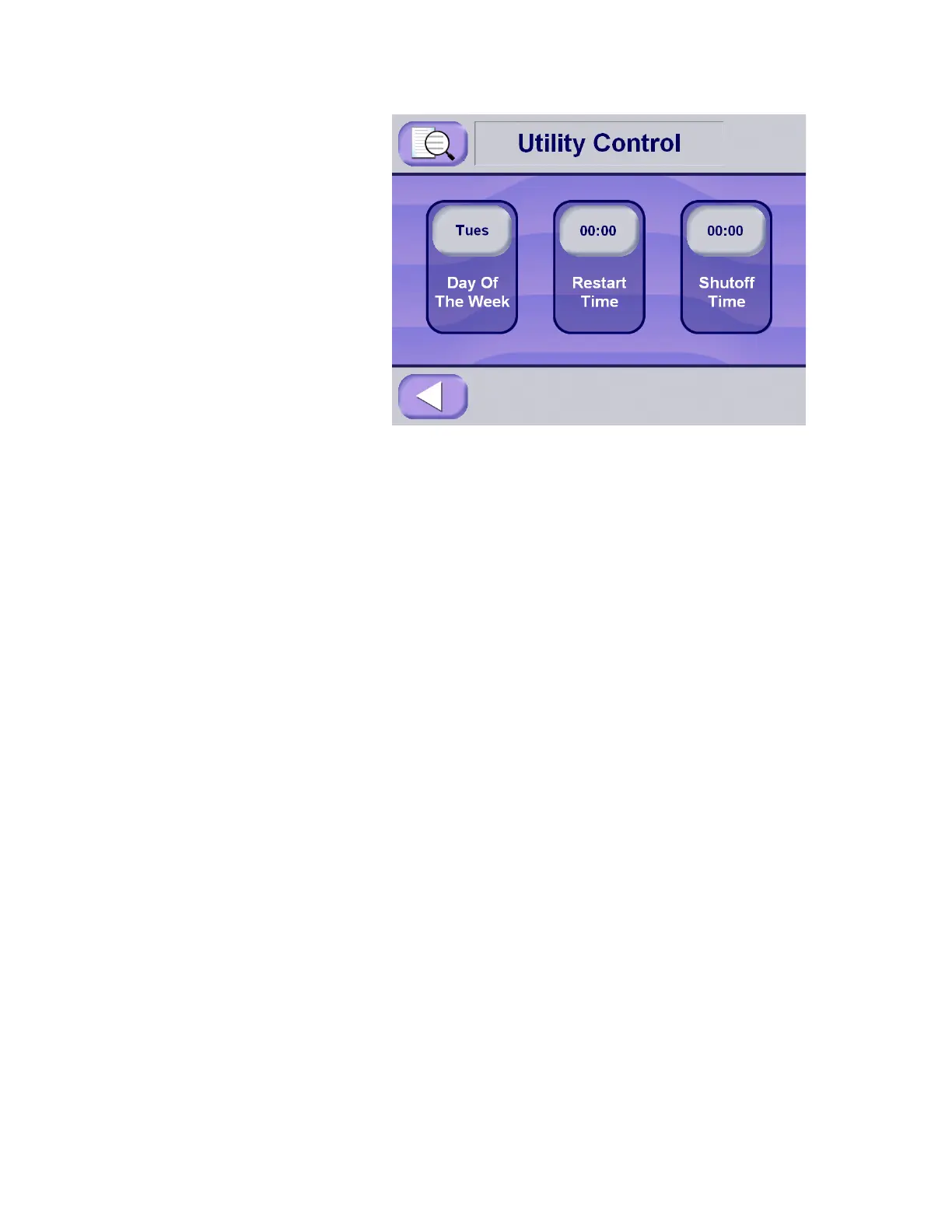
1. Press the Day of the Week button to select the day to set up for
utility control.
•The Day of the Week button sequentially displays the days
of the week each time it is pressed.
• Press the button repeatedly until reaching the day of the
week to be set up.
• Separate restart and shutdown times are set up for each day
of the week.
• Any previously set restart and shutdown times are displayed
on the Restart Time and Shutoff Time buttons as each day
is displayed.
2. Once the day of the week has been selected, press Restart
Time button to set up the automatic restart time.
3. Enter the correct restart time value using the keypad. The restart
time value must be entered as a valid time of the day in 24-hour
format (e.g., 4:00 pm = 16:00).
• For utilities to be on all day, enter "00:00" in both Restart
Time and Shutdown Time.
• For utilities to be off all day, enter "24:00" in Restart Time
and "00:00" in Shutdown Time.






 To Next Page