7.4 Automatic Measurement Commands
7-103
7
Remote Commands
7.4.4.3 Measurement result and status query commands
[5]
[6],[7]
[2] to [4]
[1]
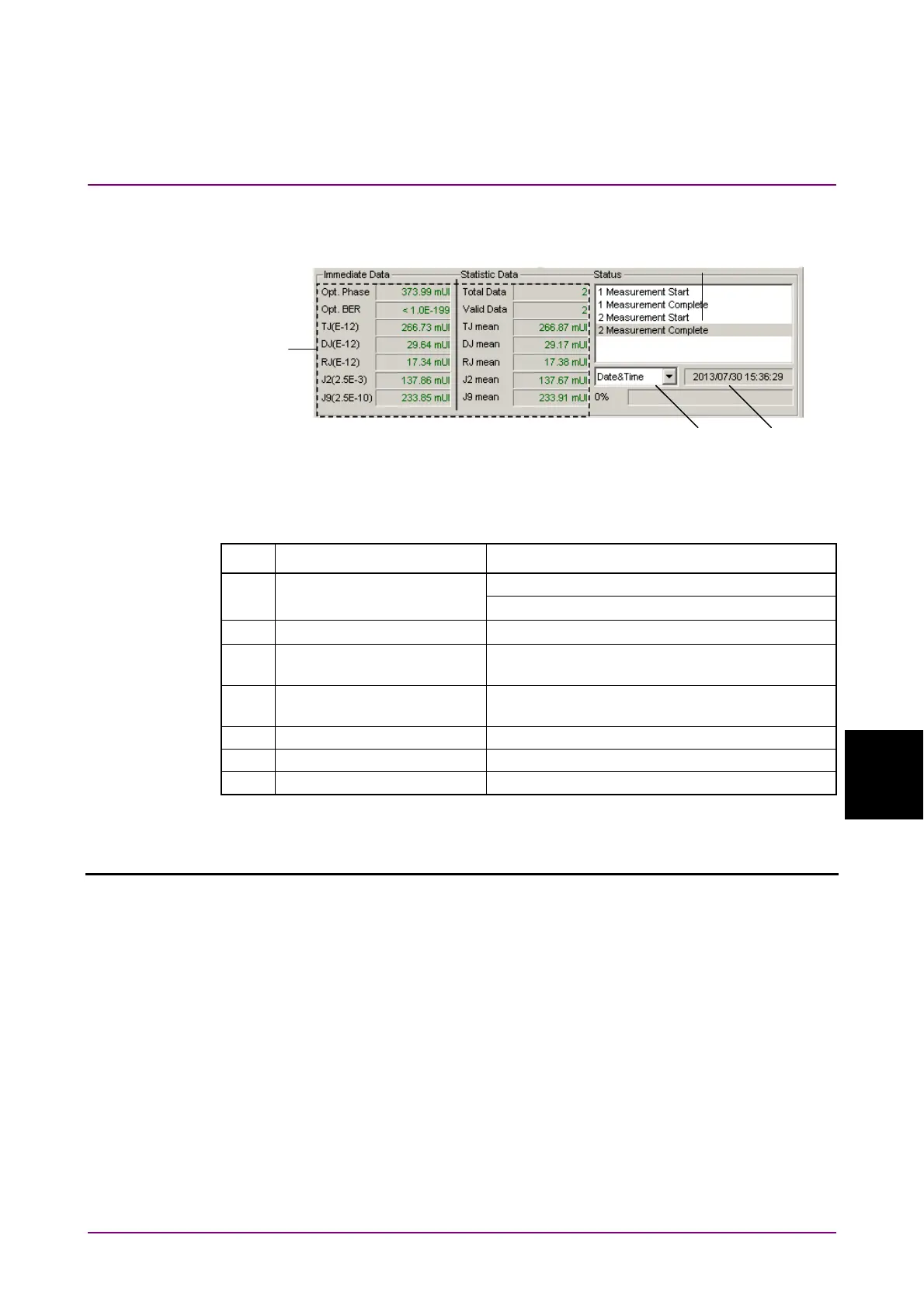
Figure 7.4.4.3-1 Measurement Result and Status Display Area
Table 7.4.4.3-1 Measurement Result and Status Query Commands
No. Item Command
[1] Display time selection :SENSe:MEASure:BATHtub:DTIME
:SENSe:MEASure:BATHtub:DTIME?
[2] Query for current time :SENSe:MEASure:BATHtub:TIME:DTIMe?
[3] Query for measurement
start time
:SENSe:MEASure:BATHtub:TIME:STARt?
[4] Query for measurement
elapsed time
:SENSe:MEASure:BATHtub:TIME:ELAPsed?
[5] Query for result :CALCulate:DATA:BATHtub?
[6] Query for status :CALCulate:DATA:BATHtub:STATus?
[7] Query for clocking status :CALCulate:DATA:BATHtub:CSTatus?
:SENSe:MEASure:BATHtub:DTIME <type>
Parameter <type>=<CHARACTER PROGRAM DATA>
DTIMe Displays the current date and time.
STARt Displays the measurement start time.
ELAPsed Displays the elapsed time based on the measurement
period.
Function Selects the Bathtub measurement time display type.
Example To set the Bathtub measurement time display type to measurement start
time (Start Time):
> :SENSe:MEASure:BATHtub:DTIME STARt
Compatibility Incompatible with existing models.















 To Next Page