Chapter 4 Performance Test
4-4
(4) Test Procedure
1. Turn on the power switch on the front panel and then wait until
the internal temperature stabilizes.
2. Input the 10 MHz reference signal output from the frequency
standard device to the Reference Input connector of the vector
signal generator.
3. Input the 10 MHz reference signal output from the signal
generator to the Reference Input connector.
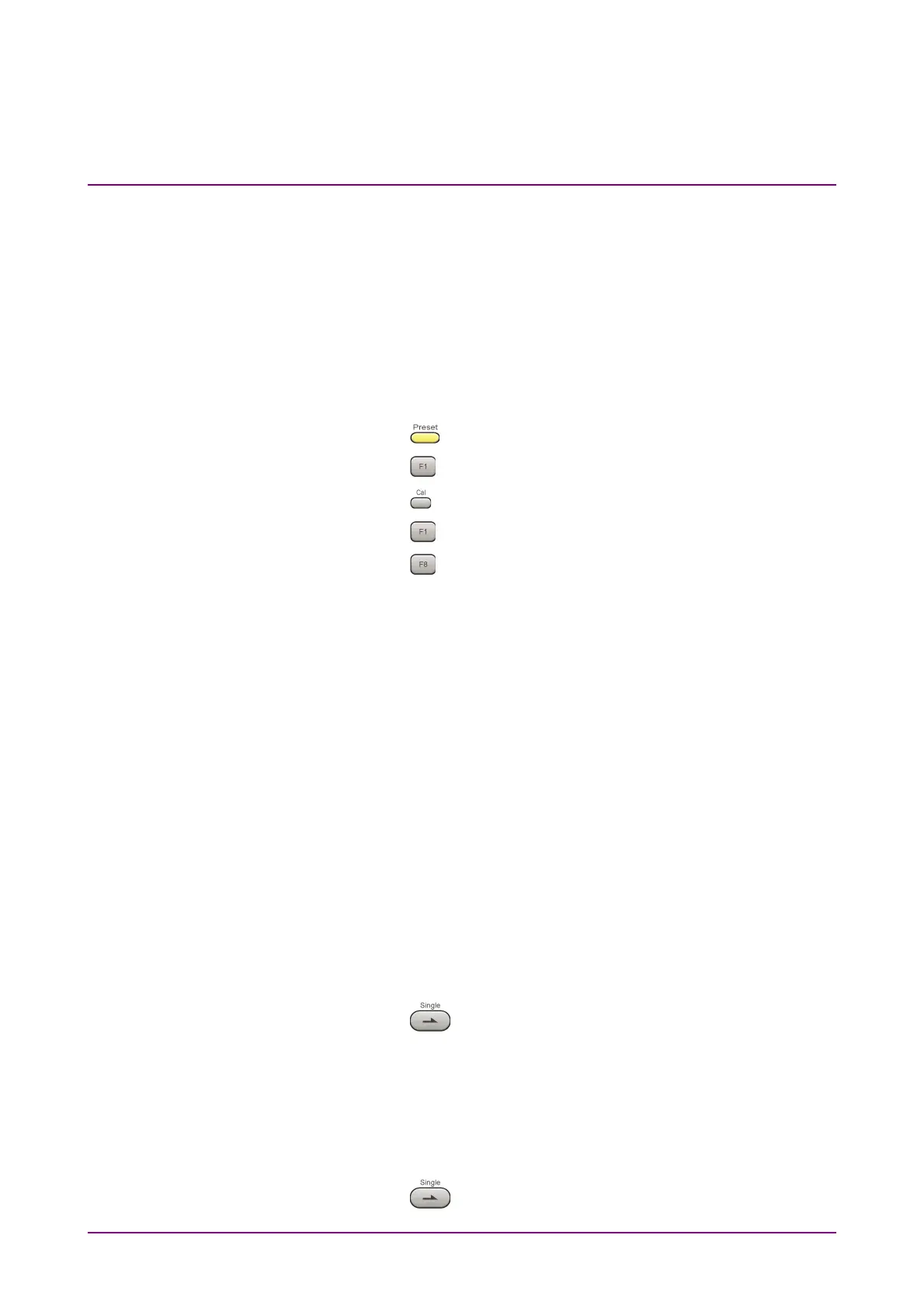
4. Press
.
5. Press
(Preset) to initialize.
6. Press
.
7. Press
(SIGANA All) to perform calibration.
8. Press
(Close).
9. Set as follows for the signal generator.
● Continuous wave (CW) output
● Frequency: 100 kHz
● Level: –15 dBm
10. Set as follows for the equipment.
● TX Frequency: 100 kHz
● Input Level: –15 dBm
● High Pass Filter: 300 Hz
● Low Pass Filter: 3 kHz
11. Input the signal output from the vector signal generator into the
power meter, adjust the output level so that the power reading
falls between –15 dBm ± 0.1 dB.
12.
Input the signal output from the vector signal generator into the
equipment.
13.
Set as follows for the equipment.
● Modulation: FM
14.
Press
to measure.
15.
Record the measurement result for Deviation rms (residual FM).
16.
Confirm that the recorded measurement result for residual FM
satisfies the specifications.
17.
Set as follows for the equipment.
Modulation:
M
18.
Press
to measure.



 To Next Page