3.1 Usage Precautions
3-3
3
Measurement
3.1 Usage Precautions
This section describes the cautions to be observed when using this
application.
3.1.1 Signal generator function
This application uses the signal generator function, but the settings used
for this application are independent from those for the
MS2830A-020/120/021/121, MS2840A-020/120/021/121 3.6/6 GHz Vector
Signal Generator Option or MS2830A-189, MS2840A-189 Vector Function
Extension for Analog Signal Generator Retrofit Option (hereafter, the “SG
application”). Note that the DUT might be damaged by sudden rise of
output level when switching from this application to the SG application
by
Application Switch
after the SG application level is raised and the
output is On.
The output frequency and RF output level for the Signal Generator of the
MX269018A are set to the measurement parameters Rx Frequency and
Output Level respectively.
3.1.2 Demodulation monitor and AF monitor function
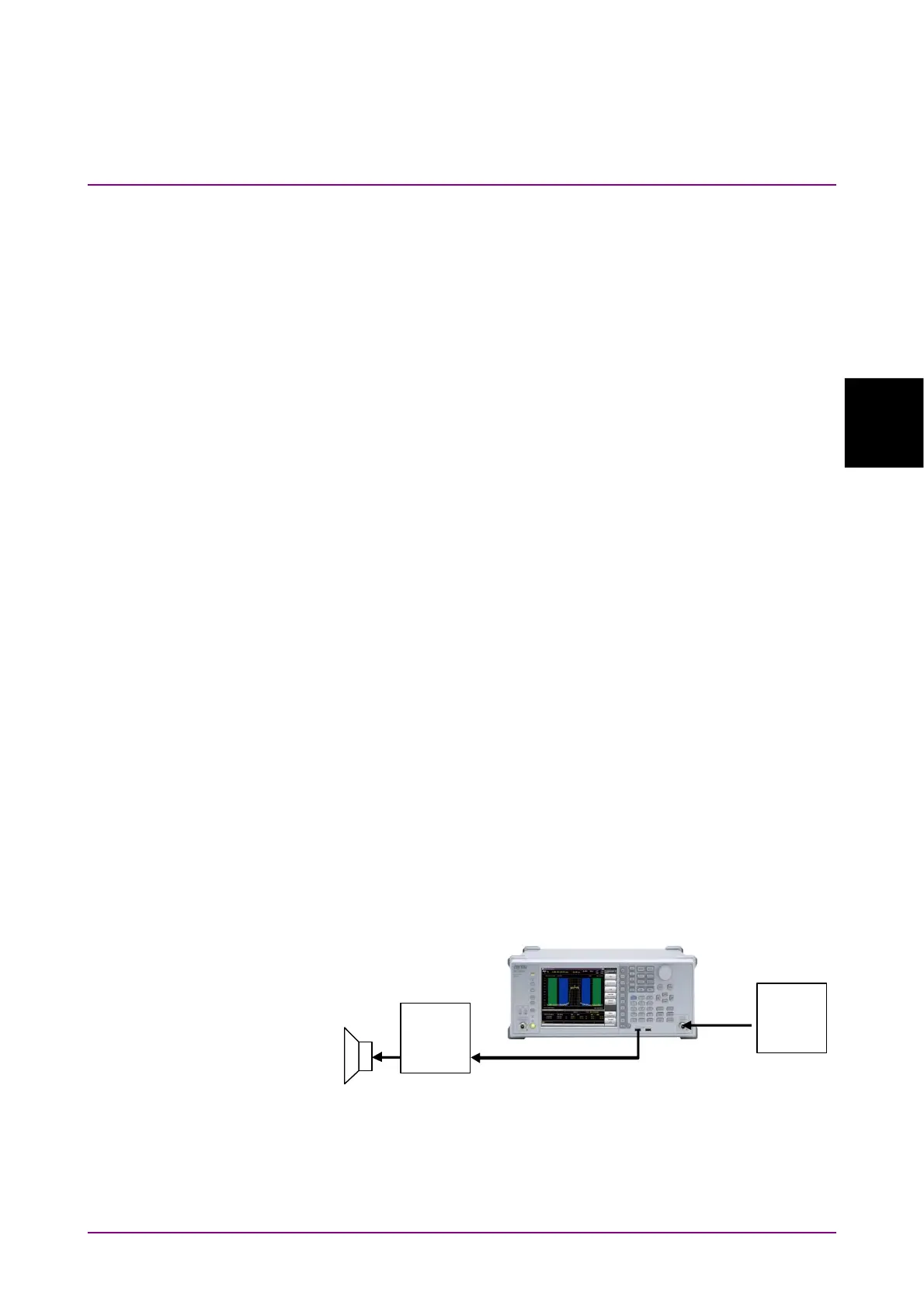
MX269018A allows monitoring AF signals of demodulated modulation
signals and AF signals of modulation signals output from this instrument
when USB Audio equipment and a speaker are connected to this
instrument.
The operation on the USB Audio (A0086x), which is the optional accessory
of this software, has been confirmed.
Note:
Do not plug and unplug the USB Audio device connector during
analysis. The operation can be unstable.
RF
USB
Aud io
DUT
Speaker
Figure 3.1.2-1 USB Audio Connection Example



 To Next Page