Chapter 3 Measurement
3-4
Notes on using A0086C
In the initial setting of the A0086C, output audio frequency band is up to
24 kHz, but the following setting expands the output range up to 48 kHz.
The setting is available for the MS2830A and MS2840A with the
factory-installed BlasterX Acoustic Engine Pro Drivers for the A0086C.
Also, the MX269018A Analog Measurement Software is required.
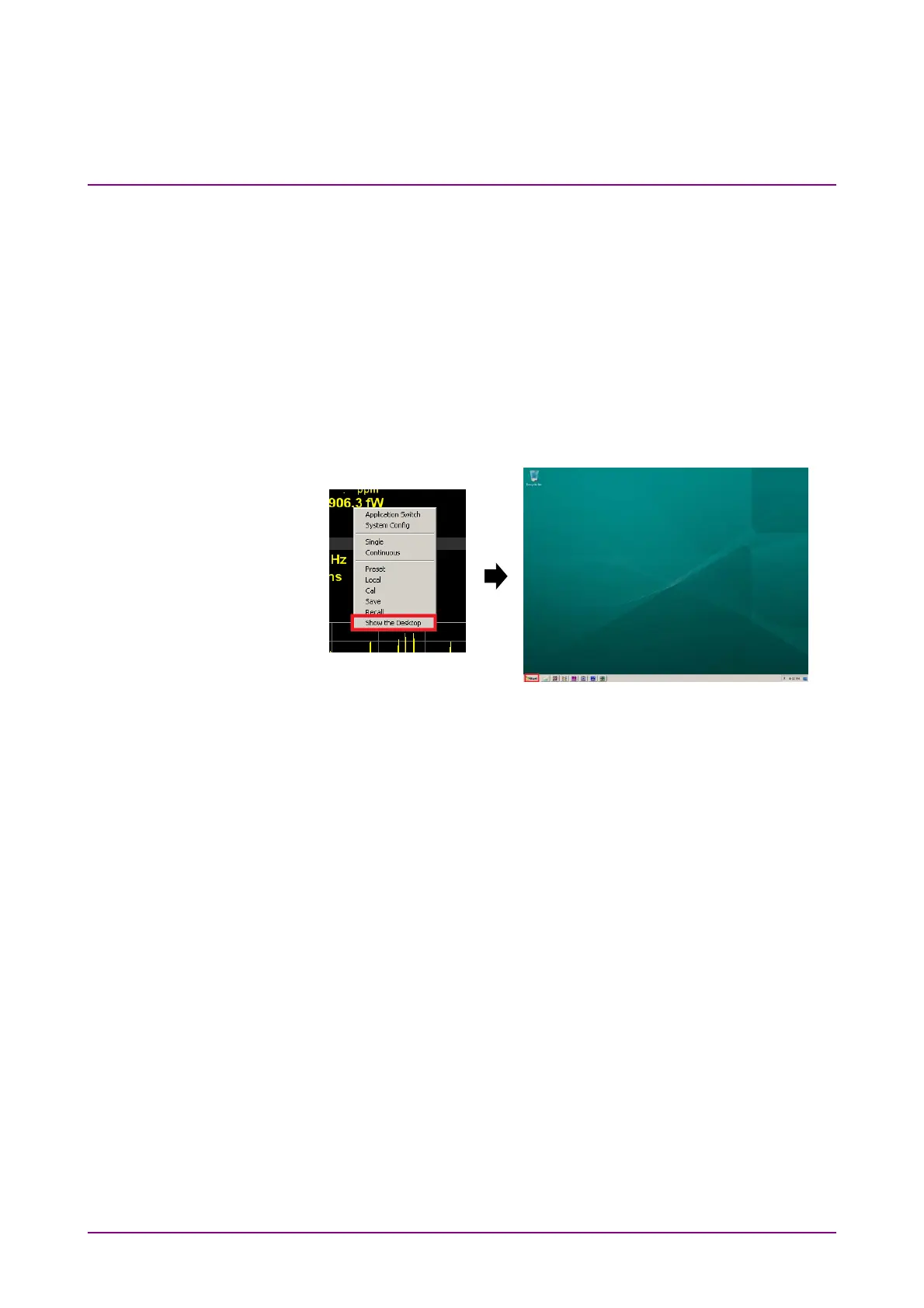
MS2830A/MS2840A desktop display
Right-click on the mouse in an arbitrary place of the MS2830A/MS2840A
screen. Left-click on Show the Desktop in the displayed menu to display
the desktop.
Figure 3.1.2-2 How to Display MS2830A/MS2840A Desktop



 To Next Page