11
CHAPTER 2 Device Configuration
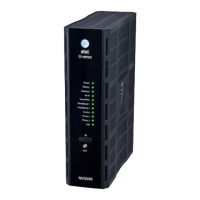
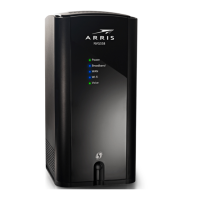
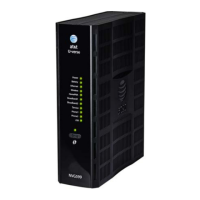
Most users will find that the basic Quick Start configuration is sufficient to meet their needs. The Quick Start
section may be all that you need to configure and use your ARRIS NVG599 Gateway. For more advanced users,
a rich feature set is available. The following instructions cover installation in Router mode.
This chapter covers:
“
Important Safety Instructions” on page 12
“Status Indicator Lights” on page 13
“Battery Installation (optional)” on page 16
“Battery Door Instructions” on page 17
“Set up the ARRIS Gateway” on page 18
“Accessing the Web Management Interface” on page 21
“Device Status Page” on page 24
“Tab Bar ” on page 27
“Broadband Tab” on page 34
“Home Network Tab” on page 39
“WiFi” on page 43
“Voice” on page 53
“Firewall” on page 59
“Diagnostics” on page 78






 To Next Page