47
Click the Save button.
You can add or delete any of your entries later by returning to this page.
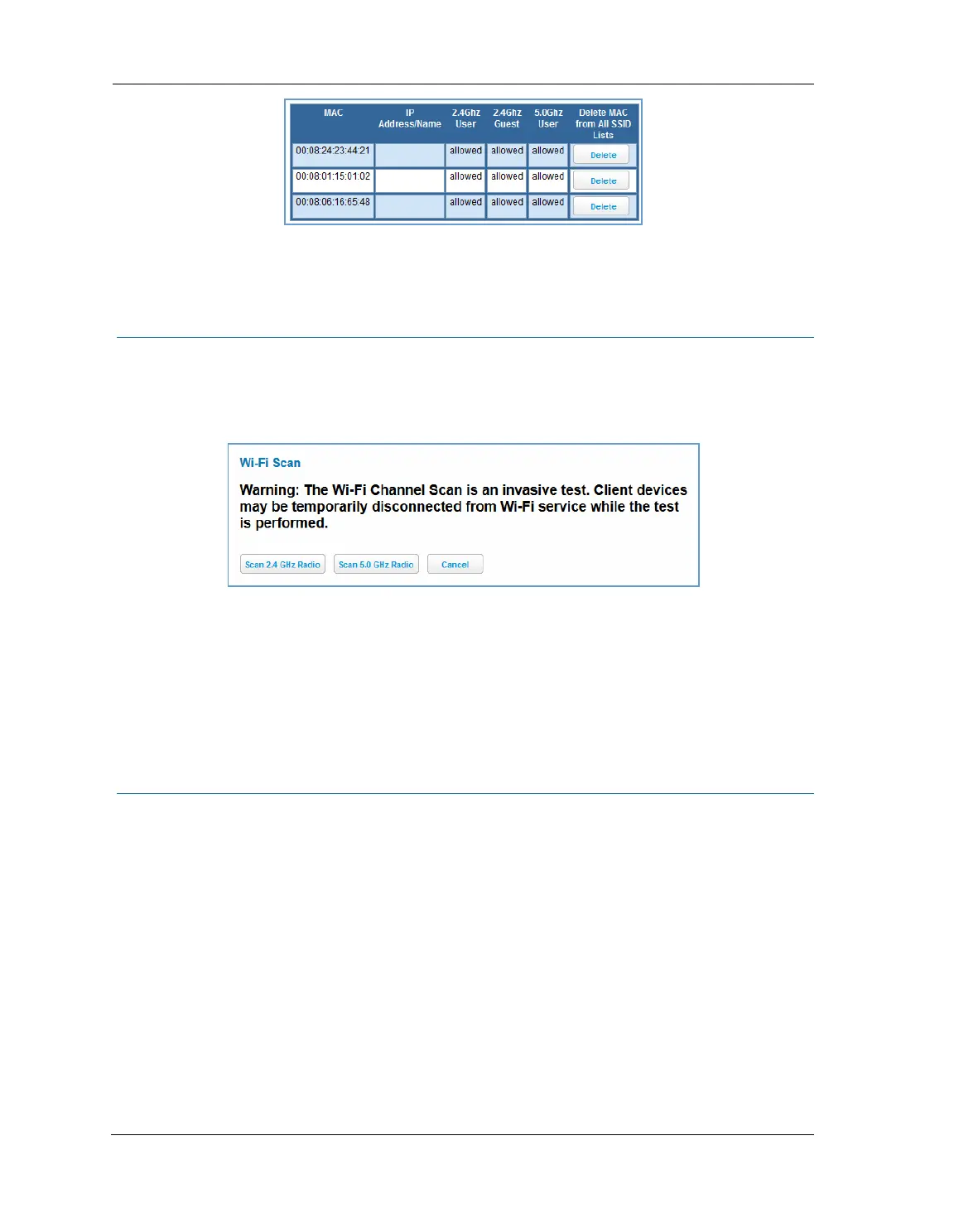
Link: Wireless Scan
Your device automatically checks for the best channel to broadcast wireless services. However, in some cases it
may be useful to switch to a different channel (1 through 11, for North America) on which the network will
broadcast.
The scan covers a frequency range within the 2.4 Ghz or 5.0 Ghz band. Channel selection depends on
government regulated radio frequencies that vary from region to region. Channel selection can have a
significant impact on performance, depending on other wireless activity close to this device. You need not
select a channel at any of the computers on your wireless network. They will automatically scan available
channels seeking a wireless device broadcasting on the SSID for which they are configured.
This scan will disconnect any wireless client devices from the wireless network.
If you want to scan for a different channel on which the device will broadcast, click the
Continue button.
Link: Subnets & DHCP
When you click the Subnets & DHCP link, the Subnets & DHCP page appears.















 To Next Page