Administrator’s Handbook
28
Restart Device (see page 33)
Link: Device List
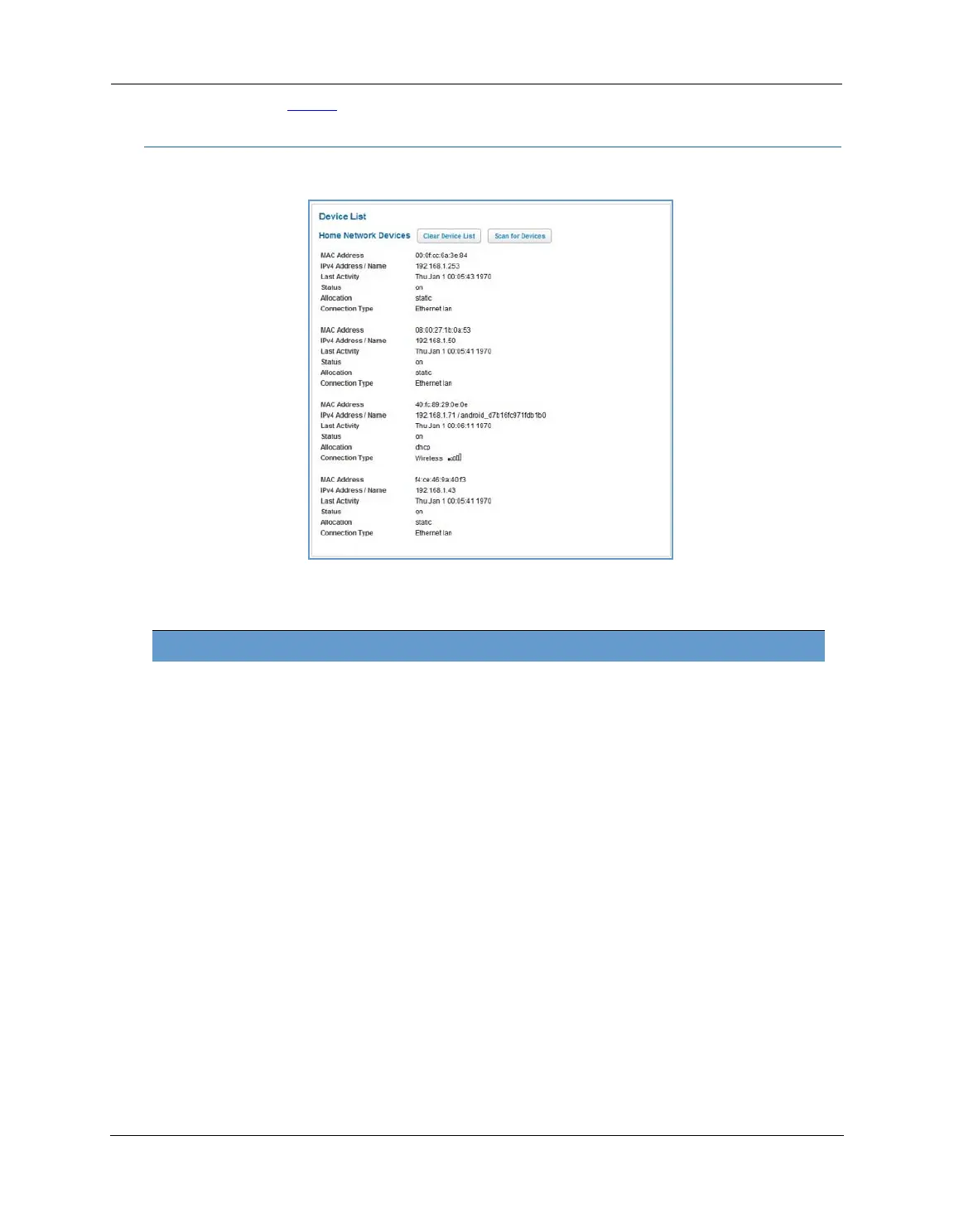
When you click the Device List link, the Device List page appears.
The page displays the following summary information for each home network device connected to the NVG599
device on your local area network: IPv4 address, network name, MAC address, and other status information.
Home Network Devices
MAC Address Client device’s unique hardware address.
IPv4 Address / Name Client device’s IP address or device network name.
Last Activity Date and time of last traffic for this client device.
Status May be off or on.
Allocation Type of IP address assignment, for example, static or DHCP.
Connection Type Type of connection, for example, Ethernet or WiFi.















 To Next Page