81
Link: Logs
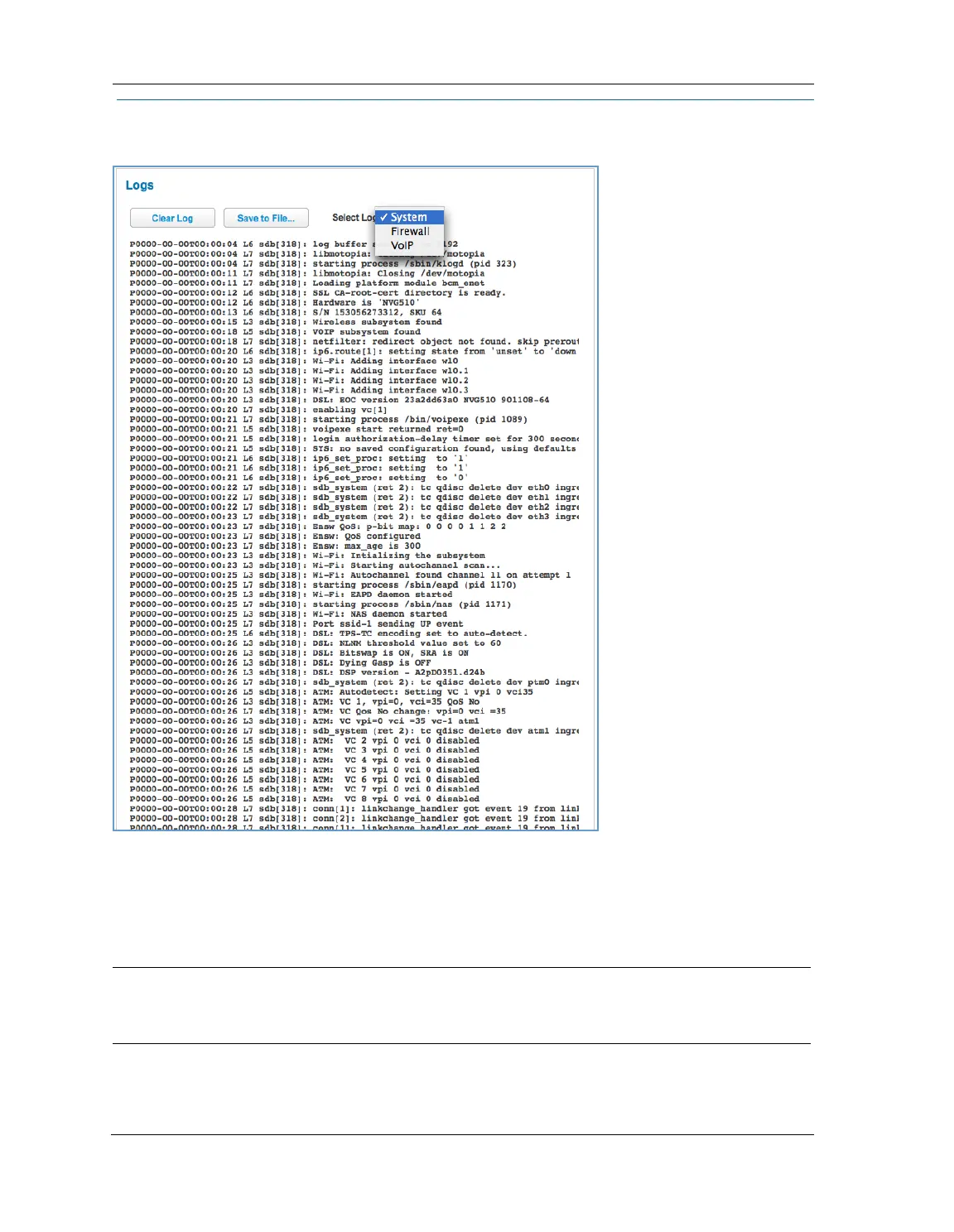
When you click Logs, the Logs page appears.
The current status of the device is displayed for all logs: System, Firewall, or VoIP. Choose the log you want to
display from the drop-down menu.
You can clear all log entries by clicking the
Clear Log button.
You can save logs to a text (.TXT) file by clicking the
Save to File button. This will download the file to your
browser’s default download location on your hard drive. The file can be opened with your favorite text edi-
tor.
NOTE:
Some browsers, such as Internet Explorer for Windows XP, require that you specify the ARRIS device’s URL as
a “Trusted site” in “Internet Options: Security.” This is necessary to allow the download of the log text file to
the PC.






 To Next Page