17
Battery Door Instructions
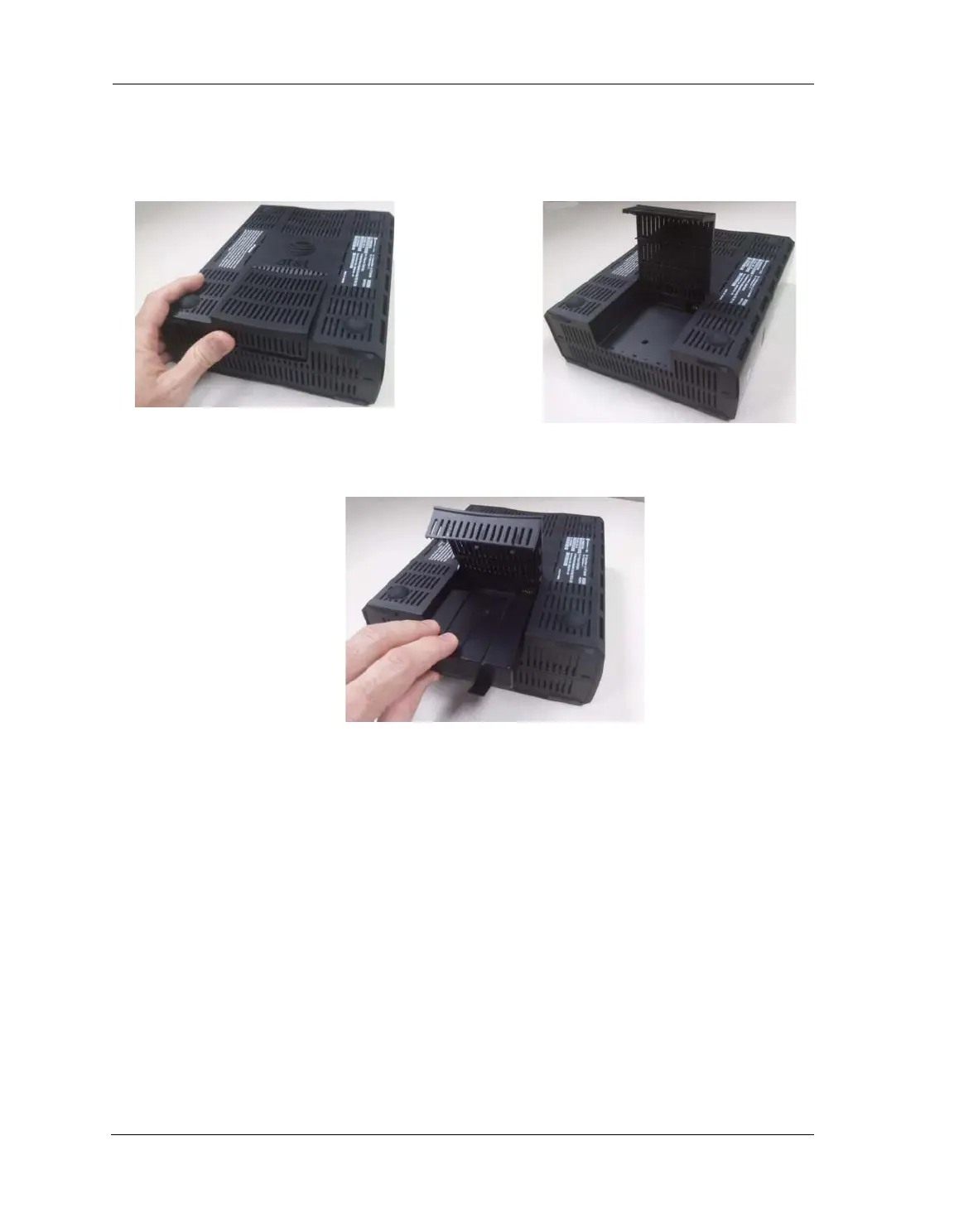
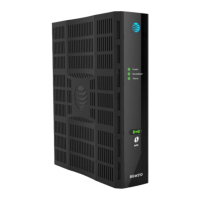
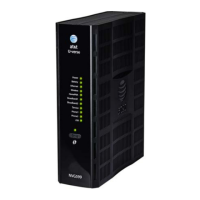
1. Place NVG599 unit on a tabletop with the battery door side up.
2. Push in and upward to open the battery door as shown in Figure 1.
3. Swing back the battery door. See Figure 2.
4. Insert the battery in the compartment as shown in Figure 3.
5. Swing the door back down and snap closed.






 To Next Page