Administrator’s Handbook
84
Link: Resets
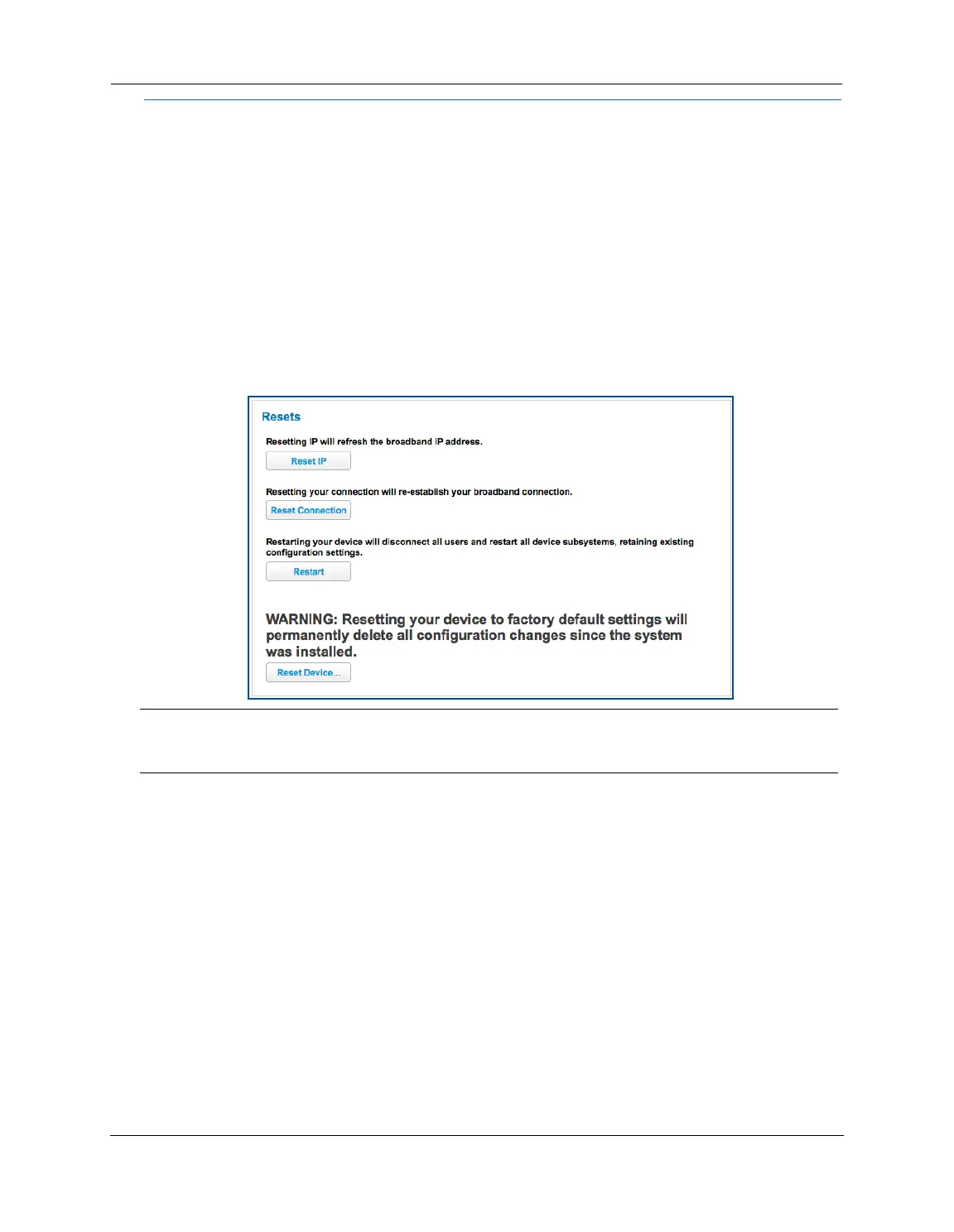
When you click the Resets link, the Resets page appears.
In some cases, you may need to clear all the configuration settings and start over again to program the
ARRIS NVG599 device. You can perform a factory reset to do this.
It might also be useful to reset your connection to the Internet without deleting all of your configuration
settings.
Click the
Reset IP button to refresh your Internet WAN IP address. LAN-side users will be briefly disconnected
from the Internet, but will otherwise be unaffected.
Click the
Reset Connection button to disconnect and reconnect all of your connections, including your VoIP
phones.
Click the
Reset Device button to reset the Gateway back to its original factory default settings.
Click the
Restart button to reboot the device. Previous configuration settings are still retained.
NOTE:
Exercise caution before performing a factory reset. This will erase any configuration changes that you may
have made and allow you to reprogram your
NVG599 device.















 To Next Page