23
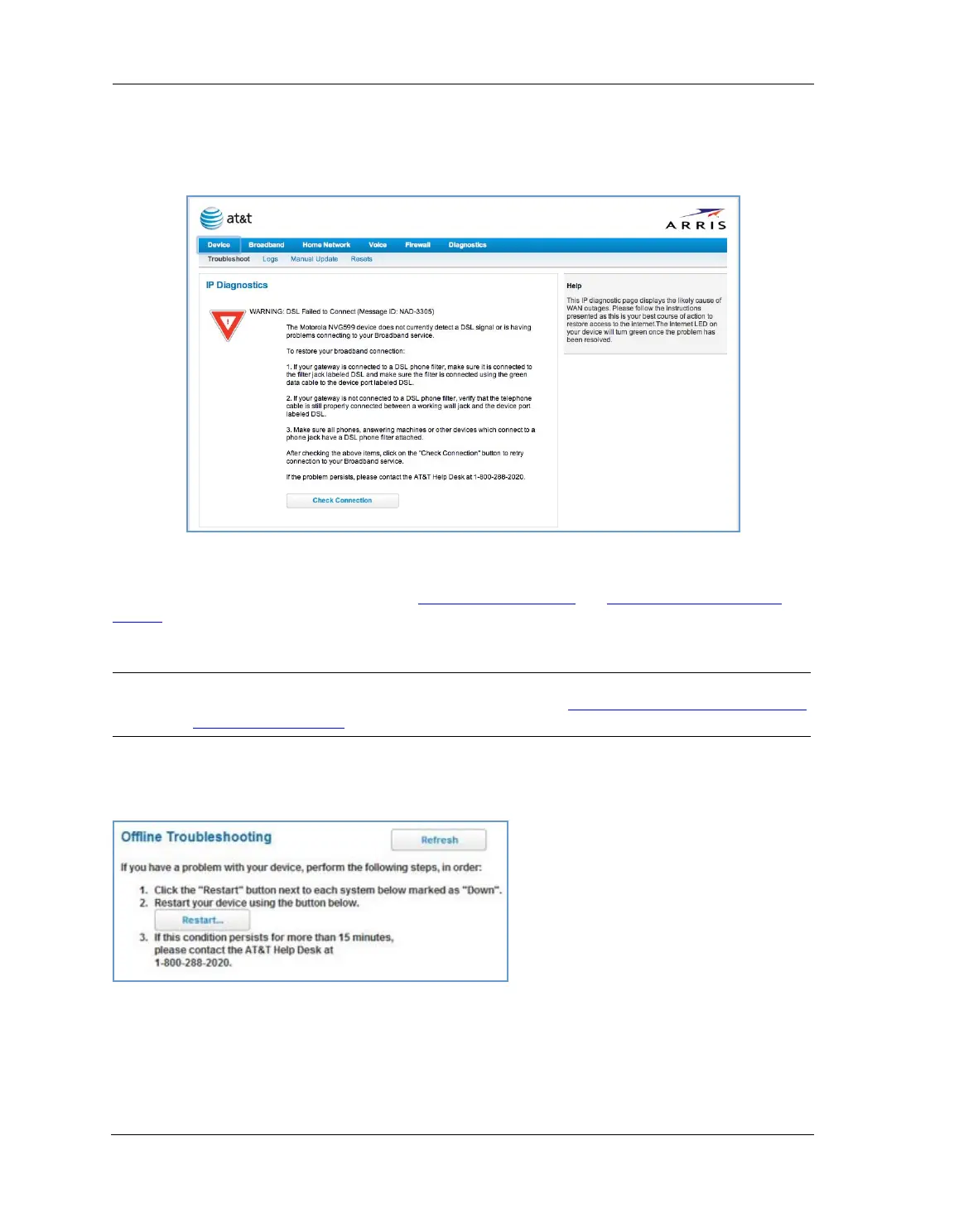
IP Diagnostics Page Redirect
In the event that your connection to the Internet fails, the Broadband LED on your NVG599 device flashes
RED and you are redirected to the IP Diagnostics page.
Follow the on-screen troubleshooting suggestions.
For additional troubleshooting information, see “
Diagnostics” on page 78 and “Basic Troubleshooting” on
page 87.
When your connection is restored or the problem is resolved, the
Broadband LED turns GREEN.
Offline Troubleshooting
If the WAN is down, the following information is displayed at the top of the page:
NOTE:
For AT&T this function is enabled by default. See the CLI command
“set management lan-redirect enable
[ off | on ]” on page 149.















 To Next Page