37
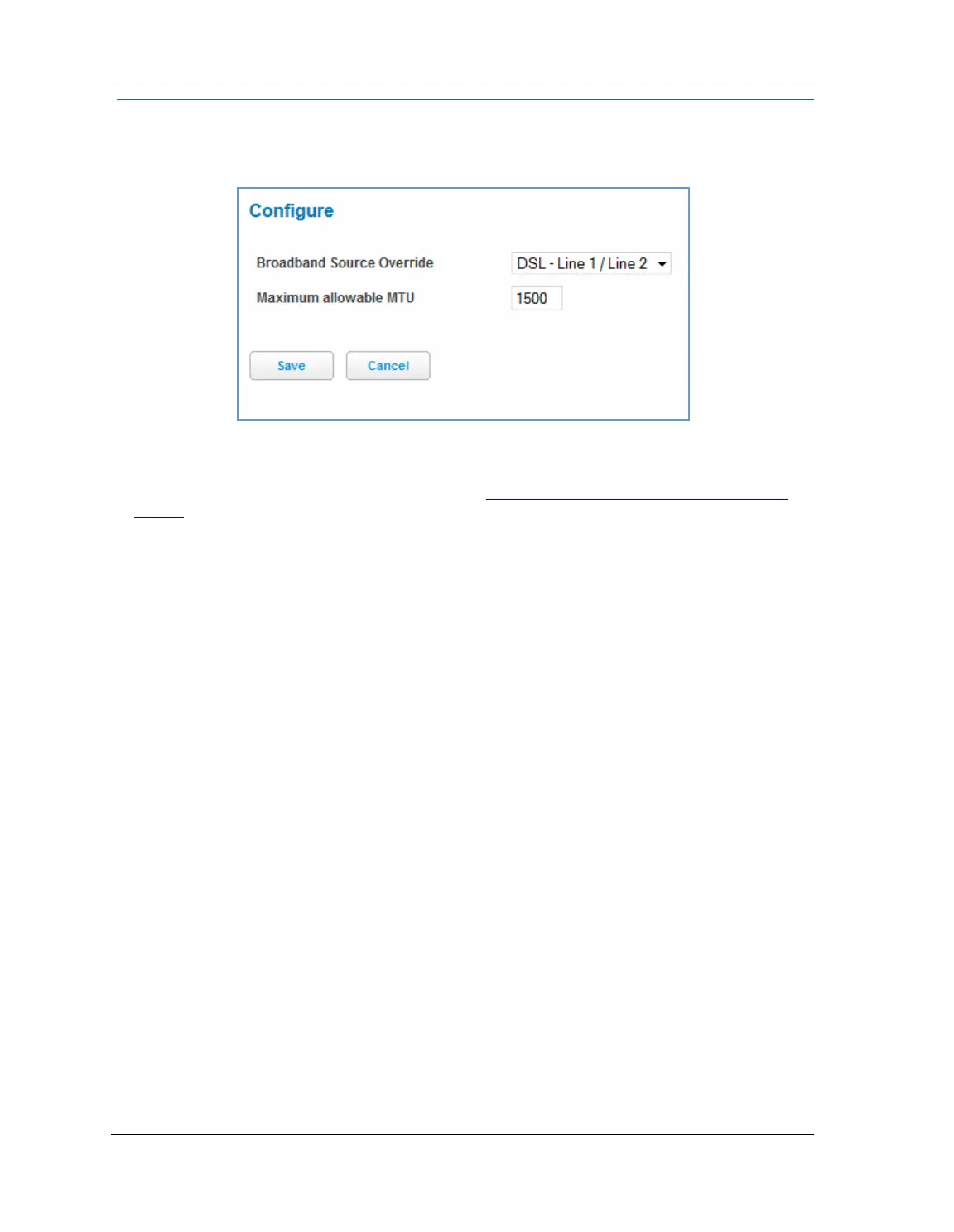
Link: Configure
When you click the Configure link, the Broadband Configure screen appears. Here you can reconfigure your
type of broadband connection should it change in the future.
Broadband Source Override - Auto (automatically detected), DSL - Line 1, DSL - Line 2, DSL - Line 1 / Line -2
(Bonded), or Ethernet WAN.
If you switch from DSL to Ethernet or from Ethernet to DSL, the device will prcoceed to reconnect as in its ini-
tial connection to the Internet, as described earlier. See “
Accessing the Web Management Interface” on
page 21.
The WAN connection is automatically configured. However, you can adjust the
Maximum allowable MTU
(maximum transmittable unit) value, if your service provider suggests it. The default 1500 is the maximum
value, but some services require other values (1492 is common).
If you make any change here, click the
Save button.















 To Next Page