Administrator’s Handbook
78
Diagnostics
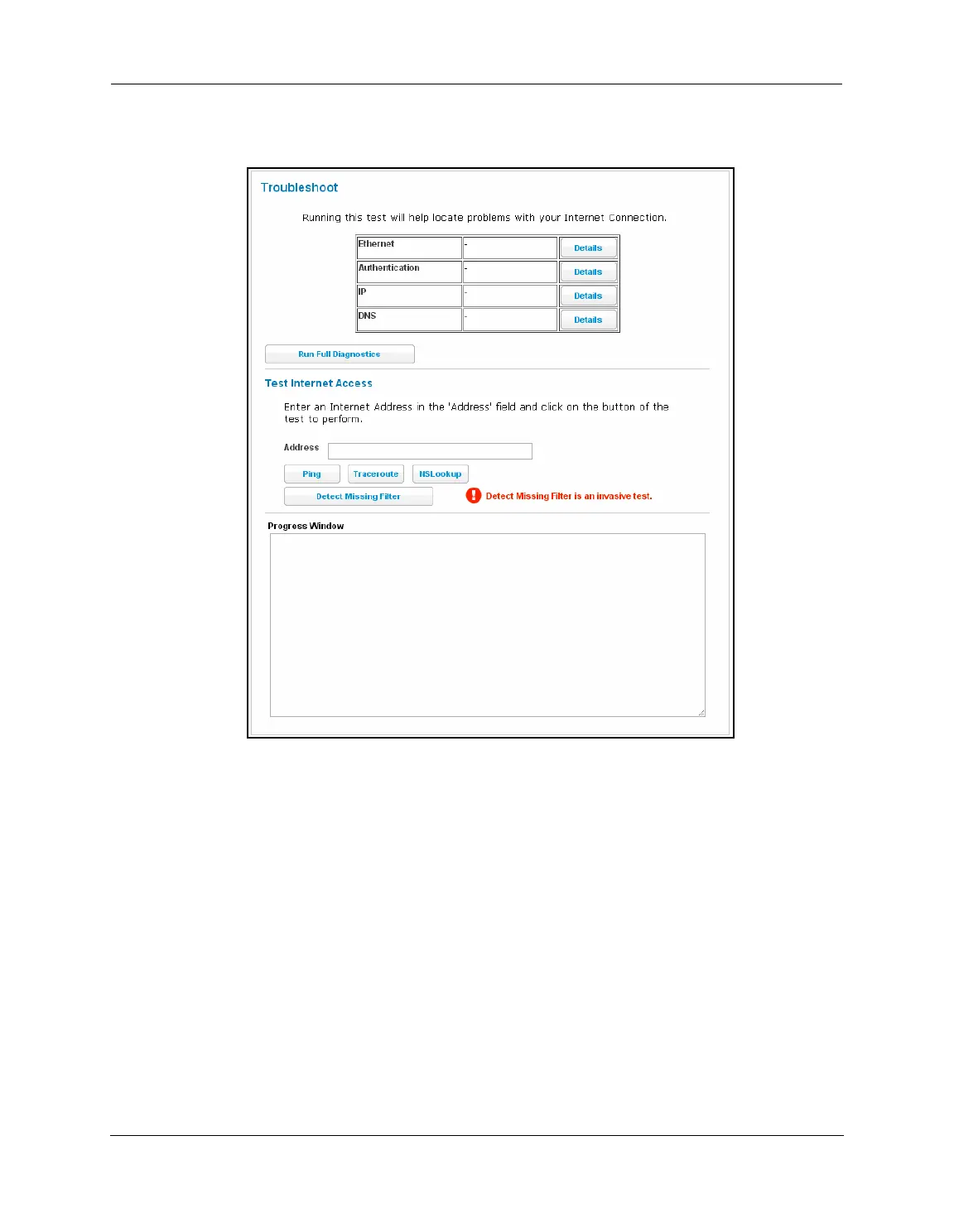
When you click the Diagnostics tab, the Troubleshoot page appears.
This automated multi-layer test examines the functions of the router from the physical connections to the data
traffic being sent by users through the router.
You can run all the tests in order by clicking the
Run Full Diagnostics button.
The device will automatically test a number of components to determine any problems. You can see detailed
results of the tests by clicking the
Details buttons for each item. The details presented depend on the
configuration of your router and your network type.















 To Next Page