79
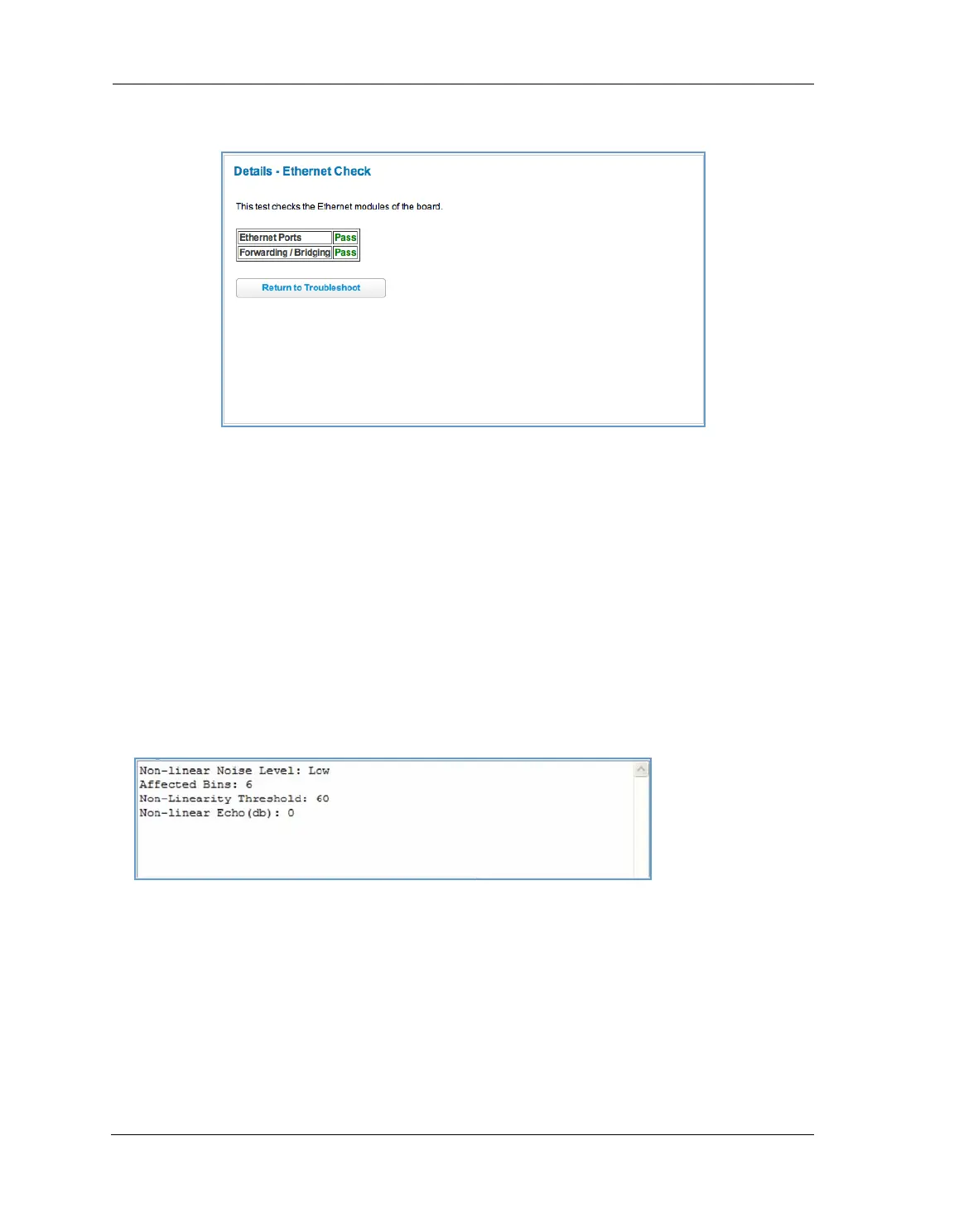
Here is an example of the Ethernet Details screen.
Test Internet Access
Internet access tests send a ping from the modem to either the LAN or WAN to verify connectivity. A ping could
be either an IP address (163.176.4.32) or domain name (www.arris.com). You enter a Web address URL or an IP
address in the respective field.
Click the
Ping, Trace, NSLookup, or Detect Missing Filter button.
Results will be displayed in the Progress Window as they are generated.
Ping - tests the reachability of a particular network destination by sending an ICMP echo request and waiting
for a reply.
Traceroute - displays the path to a destination by showing the number of hops and the router addresses of
these hops.
NSLookup - converts a domain name to its IP address and vice versa.
Detect Missing Filter - if you click the
Detect Missing Filter button, a warning message appears at the top
since the detection takes up to 2 minutes. When completed the Progress area might look like following.
To use the ping capability, type a destination address (domain name or IP address) in the text box and click the
Ping, Trace, or Lookup button. The results are displayed in the Progress Window.
This sequence of tests takes approximately one minute to generate results. Be sure to wait for the test to run to
completion.















 To Next Page