Administrator’s Handbook
86
Link: Event Notifications
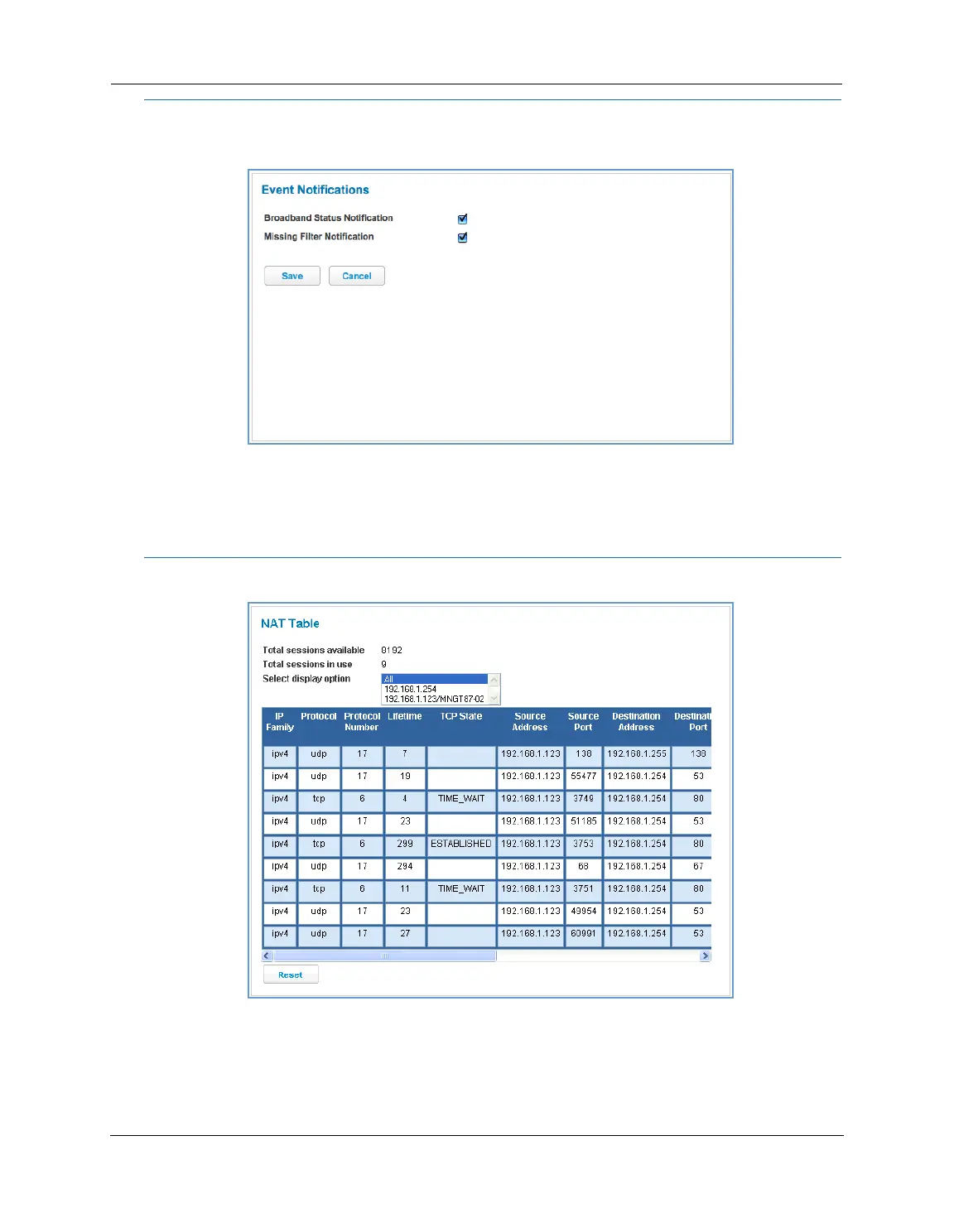
When you click the Event Notifications link, the Event Notifications page appears.
If you select the Broadband Status Notification checkbox, the device will alert users on your network if the
connection to the Internet should fail. In that event, troubleshooting suggestions will display.
If you select the Missing Filter Notification checkbox, the device will alert users on your network if hardware
line filters are either missing or improperly installed. In that event, troubleshooting suggestions will display.
Link: NAT Table
When you click the NAT Table link, the NAT Table page appears.
The NAT Table page displays the network address translation sessions in use by the NVG599 device. You can
use the drop-down menu to limit the displayed sessions to selected IP addresses.
To refresh all the sessions displayed, click the
Reset button.















 To Next Page