27
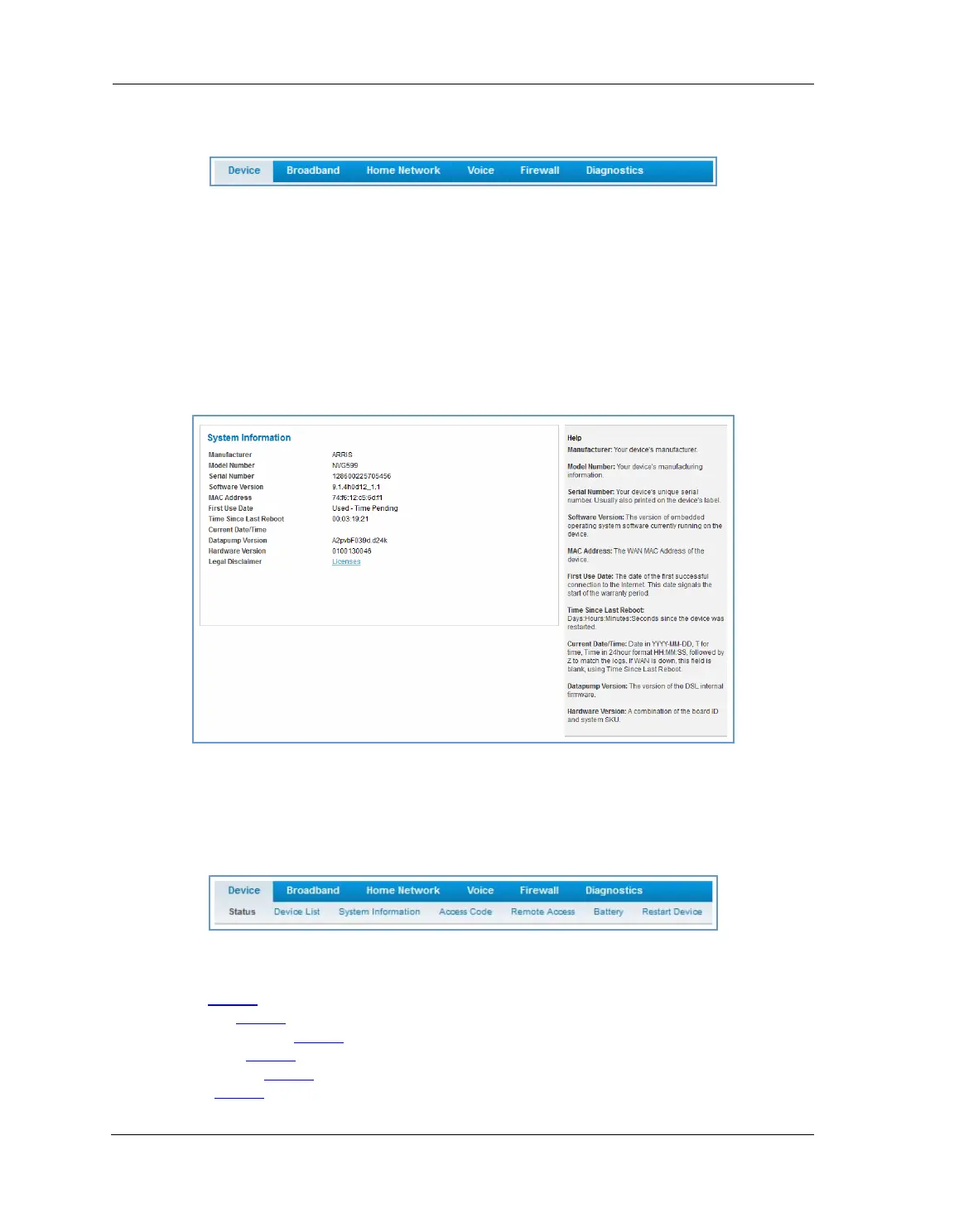
Tab Bar
The tab bar is located at the top of every page, allowing you to move freely about the site.
The tabs reveal a succession of pages that allow you to manage or configure several features of your Gateway.
Each tab is described in its own section.
Help
Online Help for your device is available in the rightmost frame on every page in the Web interface. For
example, the Help section at right is displayed on the System Information page.
Links Bar
The links bar appears at the top of each page, allowing you to configure aspects of the features displayed on
the page. For example, the links bar on the Home Summary page is as shown below:
The links bar on the Device Status page includes the following links. For more information about each link, see
the related section in this guide.
Status (see page 24
)
Device List (see page 28
)
System Information (see page 29
)
Access Code (see page 30
)
Remote Access (see page 31
)
Battery (see page 32
)






 To Next Page