Administrator’s Handbook
22
3. Check to make sure the Broadband and Service LEDs on your NVG599 device are lit GREEN to verify that the
connection to the Internet is active.
Congratulations! Your installation is complete. You can now surf to your favorite Web sites by typing a URL in
your browser’s location box or by selecting one of your favorite Internet bookmarks.
Broadband Network Redirect Pages
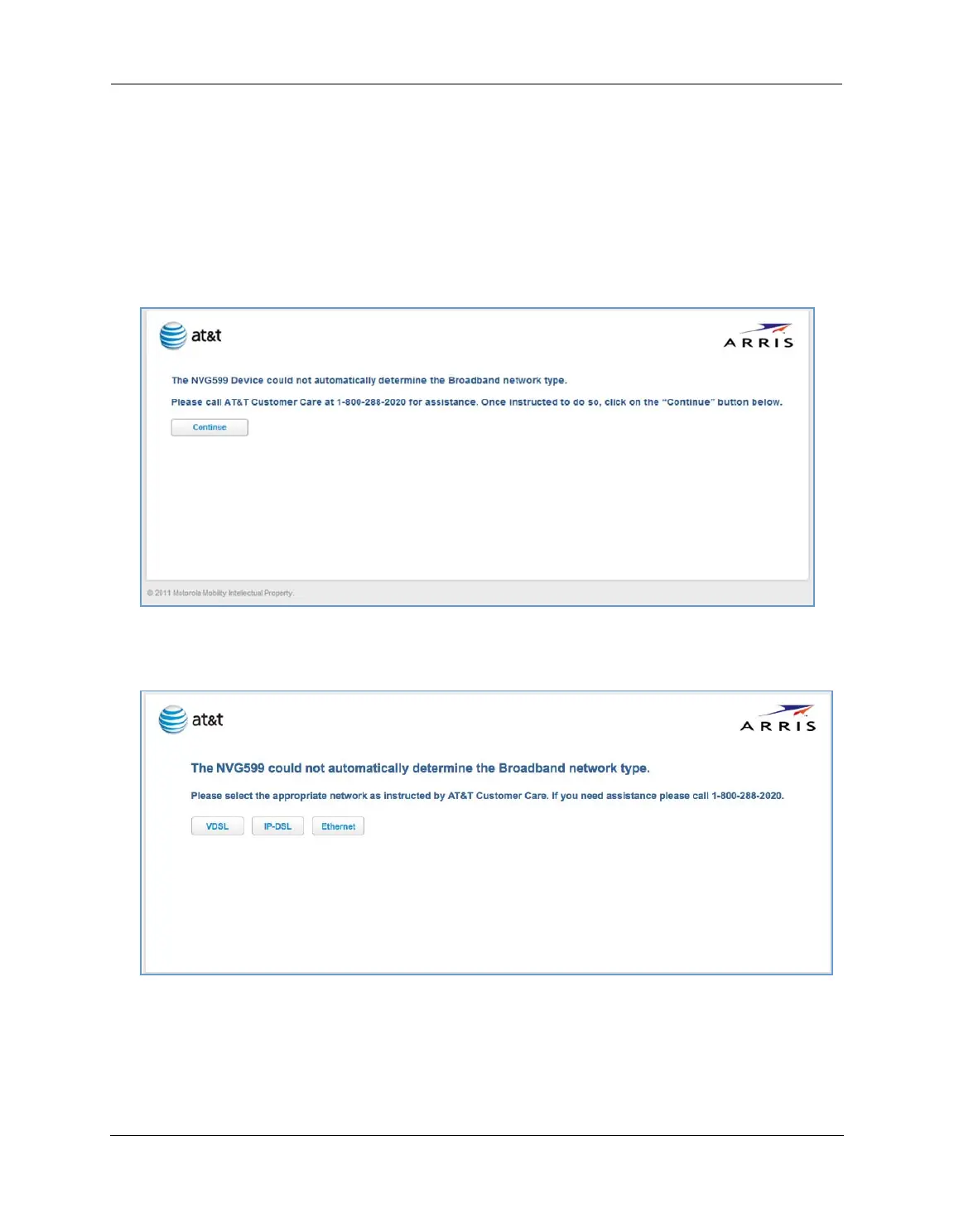
After a few minutes, if the broadband network cannot be determined, the following screen appears. Contact
AT&T Customer Care at the number shown on your screen for assistance.
If you click the Continue button, the following screen appears. Here you can manually select the broadband
network type, if you know it.















 To Next Page