Administrator’s Handbook
50
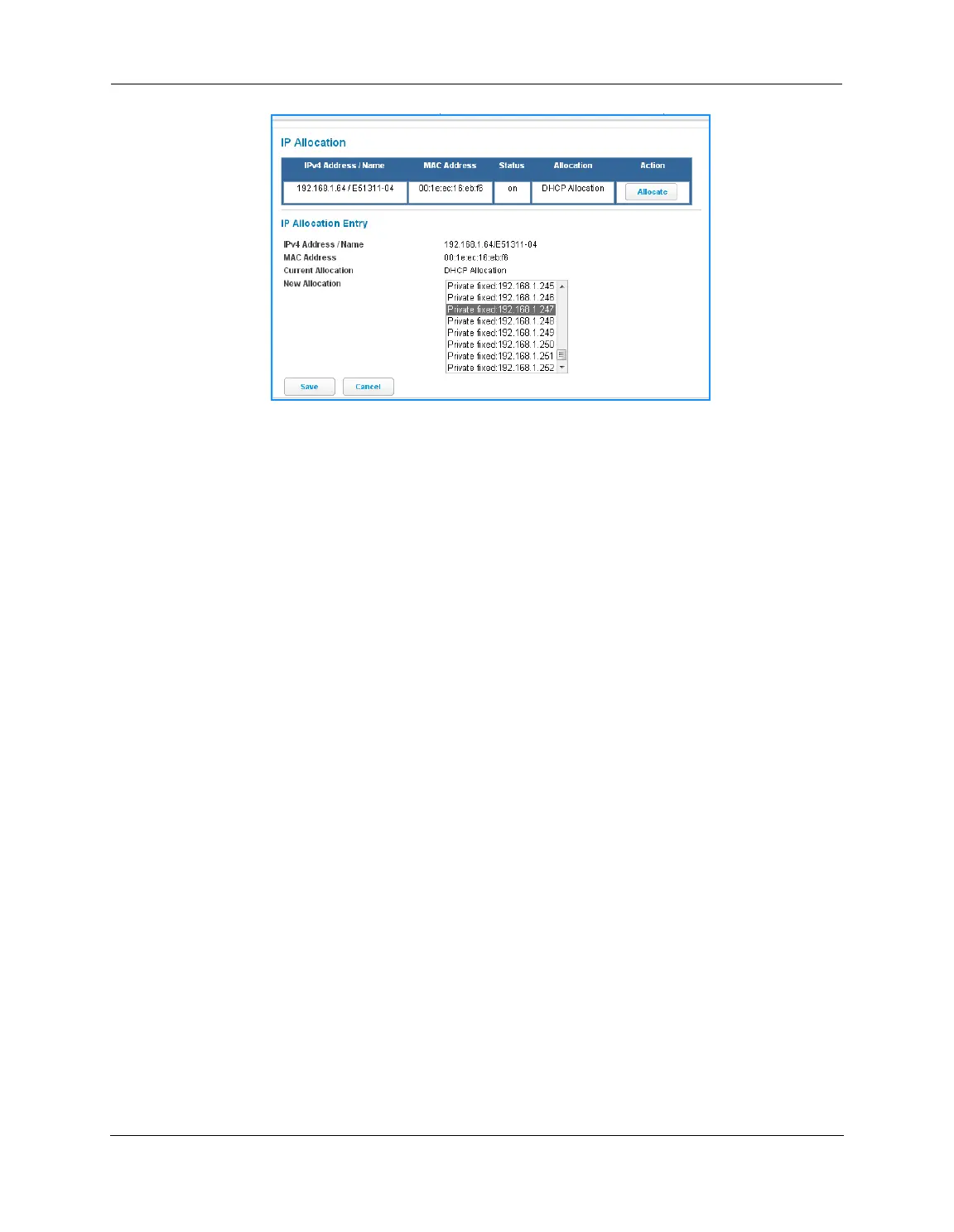
The IP Allocation window for the client opens.
3. Scroll through the New Allocation values and select the address or method to use for the client’s DHCP
assignment:
•
Click Address from DHCP Pool to set the client to accept any valid DHCP address available (standard
operation).
•
Click any of the private fixed IP addresses (192.168.1.64 to 192.168.1.253) shown in the list to allocate
that IP address to the selected client.
4. Click the Save button to save the IP allocation settings. A red “Changes saved” message appears at the top of
the IP Allocation page.















 To Next Page