Administrator’s Handbook
68
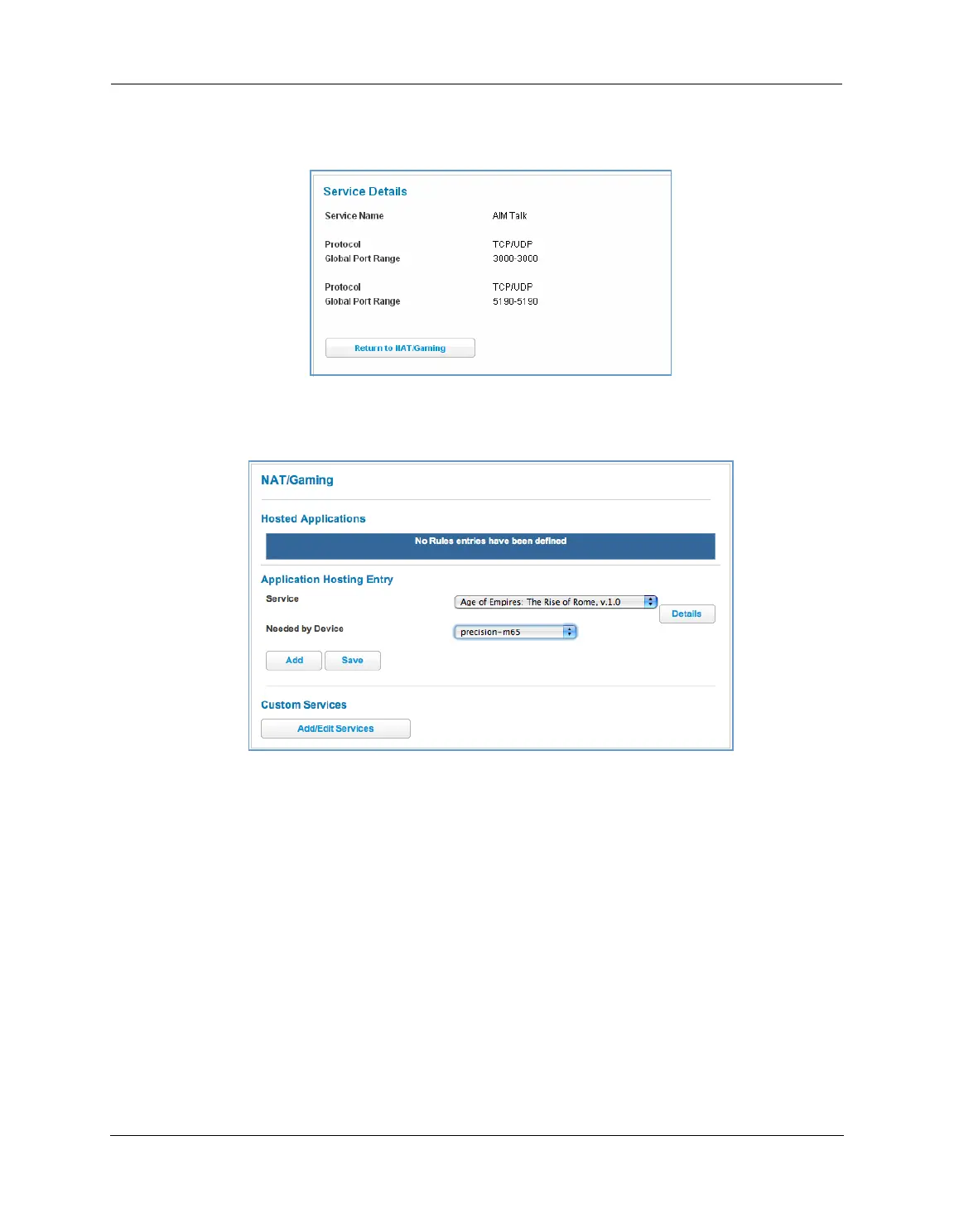
For each supported game or service, you can view the protocols and port ranges used by the game or service
by clicking the
Service Details button. For example:
1. Select a hosting device from the Needed by Device drop-down menu.
2. Once you choose a software service or game, click
Add.
3. Select a PC to host the software from the Select Host Device drop-down menu and click
Save.
Each time you enable a software service or game, your entry will be added to the list of Service names dis-
played on the NAT Configuration page.















 To Next Page