Administrator’s Handbook
70
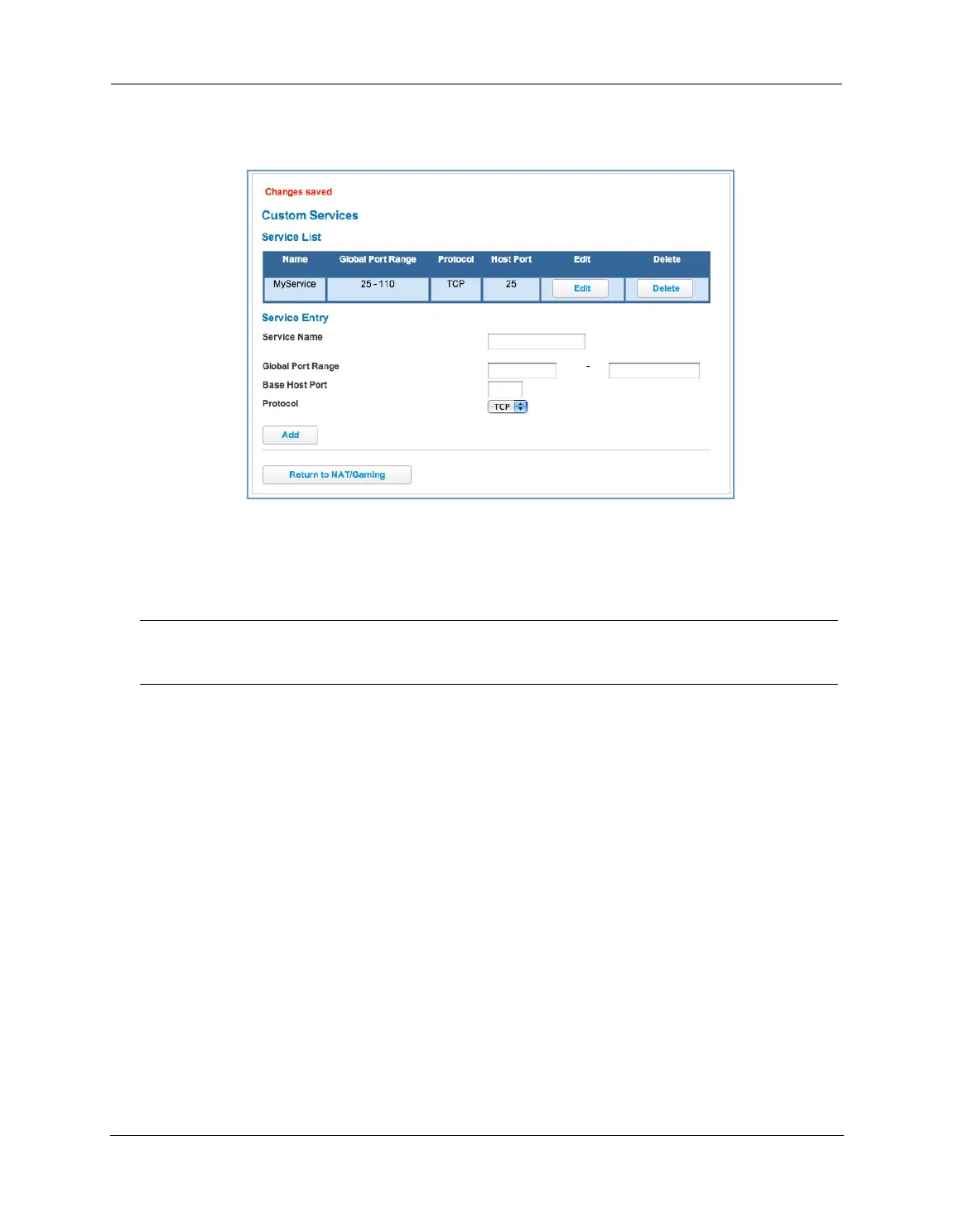
Each time you add a custom service, your entry will be added to the list of service names displayed on the
Custom Services page.
Changes are saved immediately.
To remove this Service, click the
Delete button.
To edit this Service, click the
Edit button.
NOTE:
You cannot edit a custom service if that service is active; it must be inactive before it can be edited.















 To Next Page