Artec Leo
7.2.1 Optical Parts
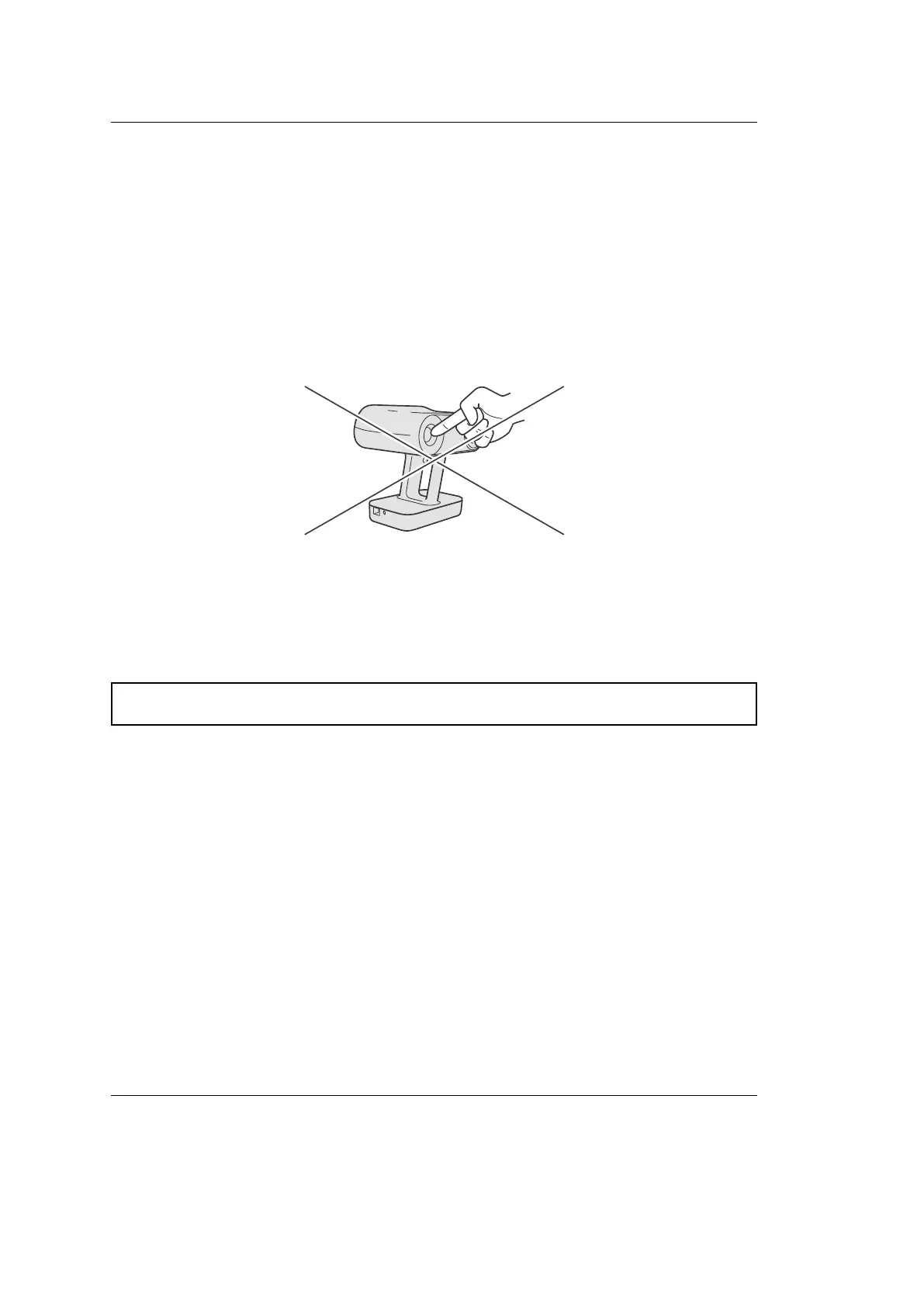
We strongly advise that you refrain from touching the optical parts of the scanner.
Use a blower to remove dust from the lens. If a grease spot adheres to the lens or
other optical parts, wipe it with a lens cloth.
file:///C:/Users/admin/ld/_build/latex/Optics.svg
Caution: Do not use cleaners that contain organic solvents to clean the lens.
7.2.2 Operating Temperature and Humidity
Artec Leo is designed to function in ambient temperatures between +15°� and
+35°� (59°F and 95°F) and humidity of up to 80%. Avoid exposure to condensation.
When you are using the scanner, it is normal for it to get warm. Artec Leo may,
however, fail to function if the device can’t regulate its internal temperature. Wait
for a few minutes before trying to scan again.
7.2. Handling Information 95



 To Next Page