Artec Leo
To reset the settings to factory defaults, tap Restore default settings at the bottom
right of the screen.
4.2.2.1 Enable HD Mode
To enable or disable the HD mode, follow these steps:
1. Select Settings → Scanner → Scanning.
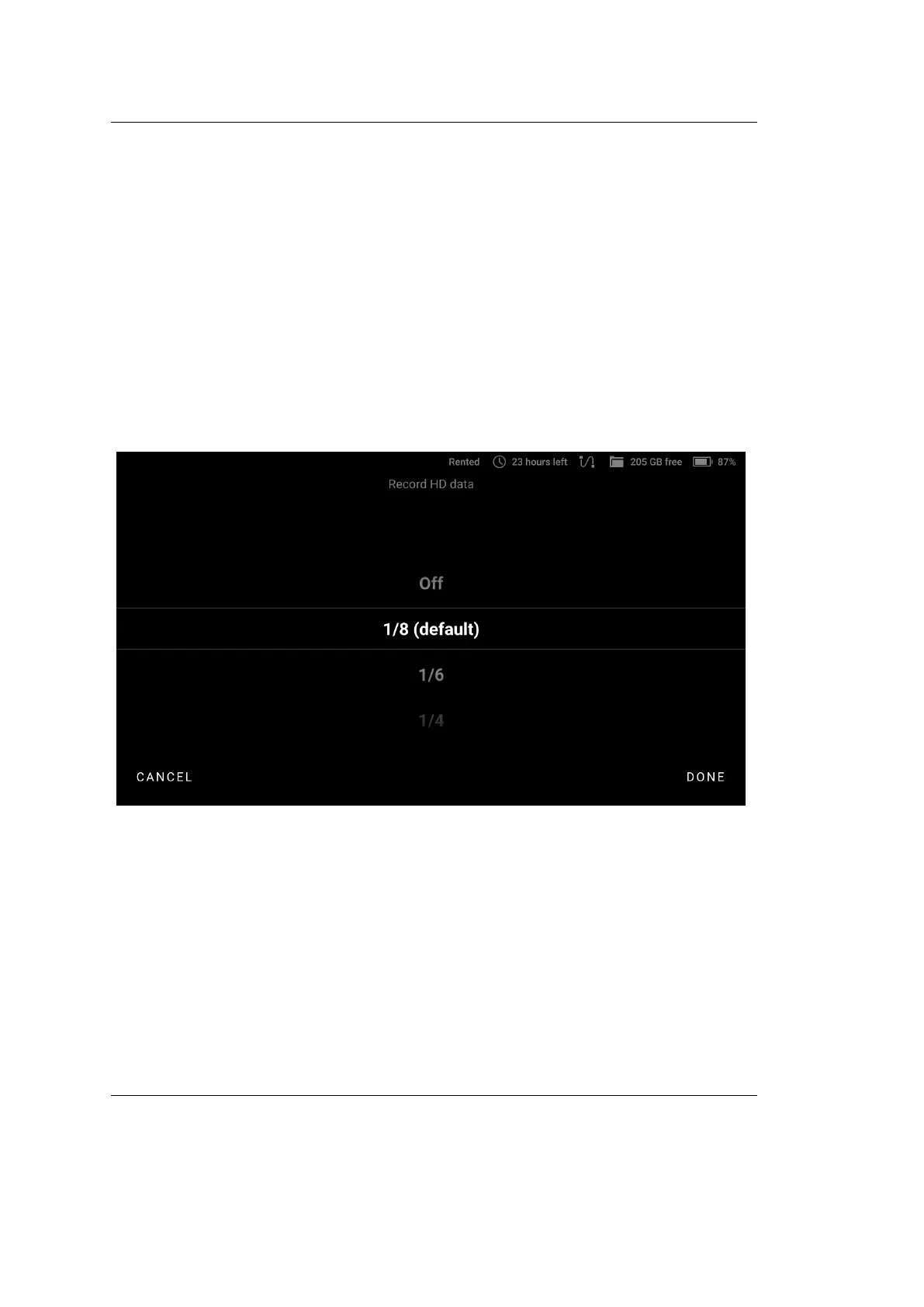
2. Tap Record HD data.
3. To disable the HD mode, select O (only SD scans will be recorded in this
case). To enable the HD mode, select the desired frequency of HD data
recording.
Figure 24: Selecting the frequency of HD data recording.
The matter is that the HD data are very heavy and, therefore, we cannot save
every frame of the HD resolution in Leo’s memory. The frequency of 1/8 means
that all frames will be saved but only every 8th frame will be an HD one.
The more HD frames you save, the larger the project will be and the more time
will be required for its import and for constructing the surfaces from the raw data.
The speed of scanning with higher frequency will be also lower. The recommended
value is 1/8.
4.2. Scanner 51



 To Next Page