Artec Leo
4.2.1.2 Update Leo Software
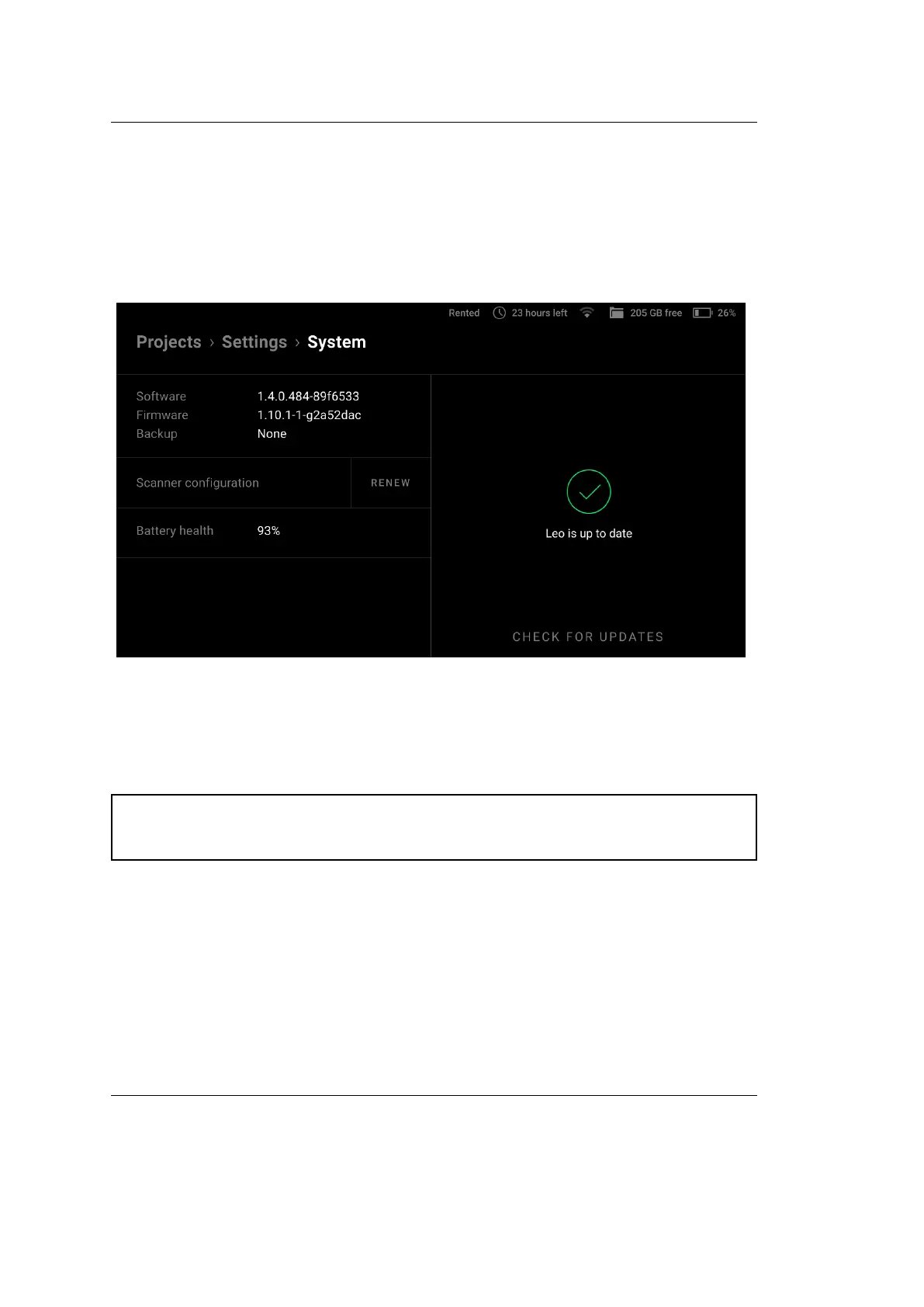
To ensure that your scanner is running the latest version of software, select Scanner
→ General → System and then tap the Check for updates button. If Leo is
connected to the Internet and there are no available updates (you have the latest
software), you will be notied that Leo is up to date (see the gure below).
Figure 22: System ← General ← Scanner ← Settings.
If the update is available, then click the Update button and wait for the update to
download.
Attention: Artec Leo supports resumable updates. It allows you to resume
an update after a network failure or any interruption.
To resume update, simply click on Resume after the issue has been resolved.
Leo will continue updating from where it stopped.
4.2. Scanner 47



 To Next Page