Artec Leo
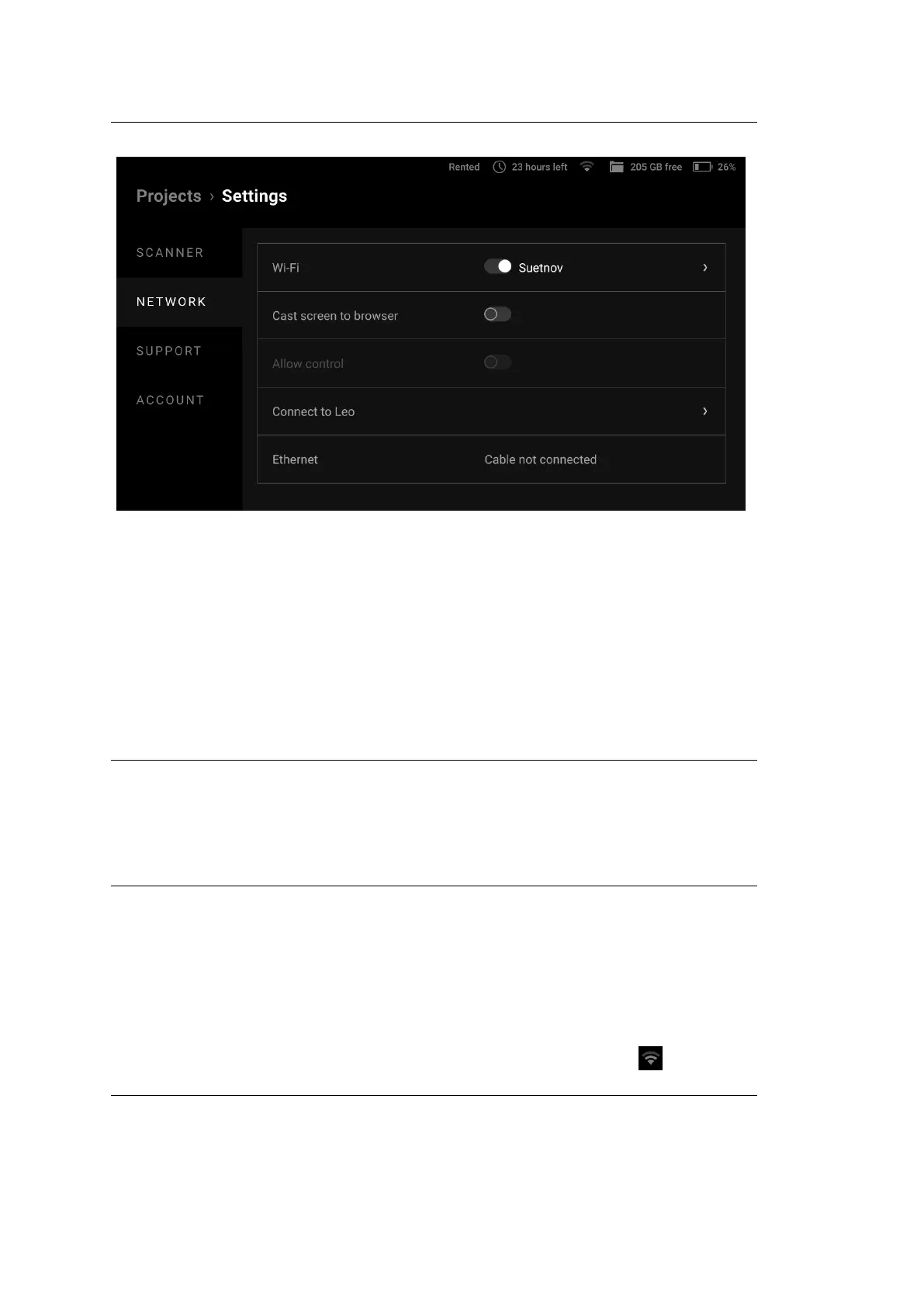
Figure 35: Network ← Settings.
4.3.1 Network Connections
To connect to an existing wired network, you need to
• Connect the scanner via an Ethernet cable to a network device that provides
the network operation (e.g. a switch).
• Check that the scanner has obtained an IP address via DHCP.
Note: DHCP (Dynamic Host Conguration Protocol) is a protocol that provides
automatic central management for the distribution of IP addresses within a net-
work. A DHCP server must be congured to automatically assign an IP address
to a device in a network. For more information about DHCP server operation,
contact your network administrator.
To connect to an existing wireless network, you need to
• Turn on Wi-Fi to enable wireless connection.
• Select the required Wi-Fi network from those found by your scanner.
• Enter the password (key) for this network and tap Connect.
After successfully connecting to the network, the connection icon will appear
4.3. Network 61



 To Next Page