Artec Leo
6.1.5 Format
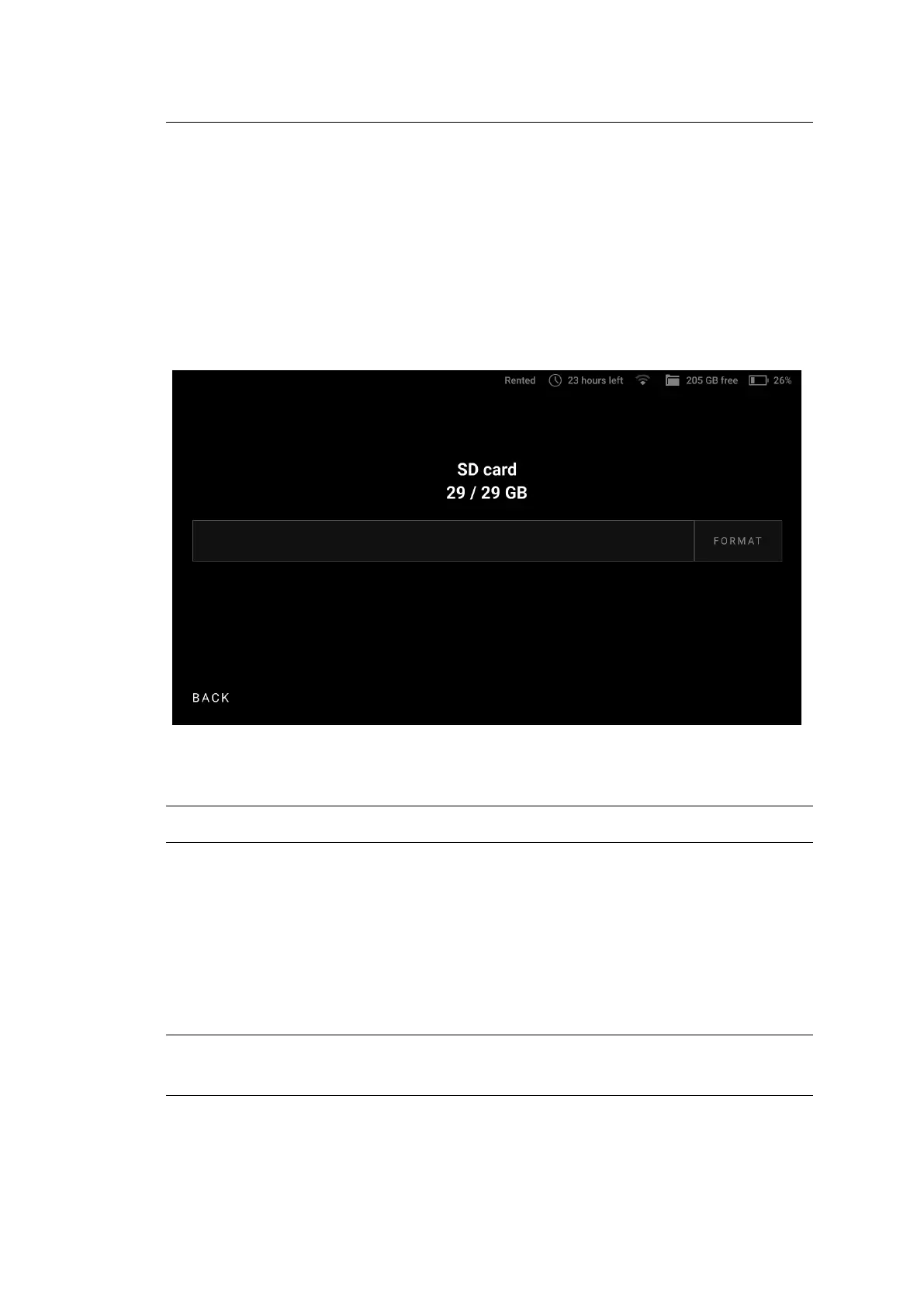
To format a microSD card,
1. Tap Settings.
2. Select Scanner → General → SD card.
3. Tap Format.
4. In the dialog that has opened, conrm your choice.
Figure 47: MicroSD card details.
Important: Formatting a microSD card will remove all data from it.
6.2 External Display
Artec Leo allows to cast its screen to a browser. It means that you can have an
additional display to observe a 3D scene. Another device needs to be connected
to the same network as Leo scanner.
Note: Only screens with 3D content can be casted. To enable casting, you need
80 Chapter 6. Other Devices and Accessories



 To Next Page