Artec Leo
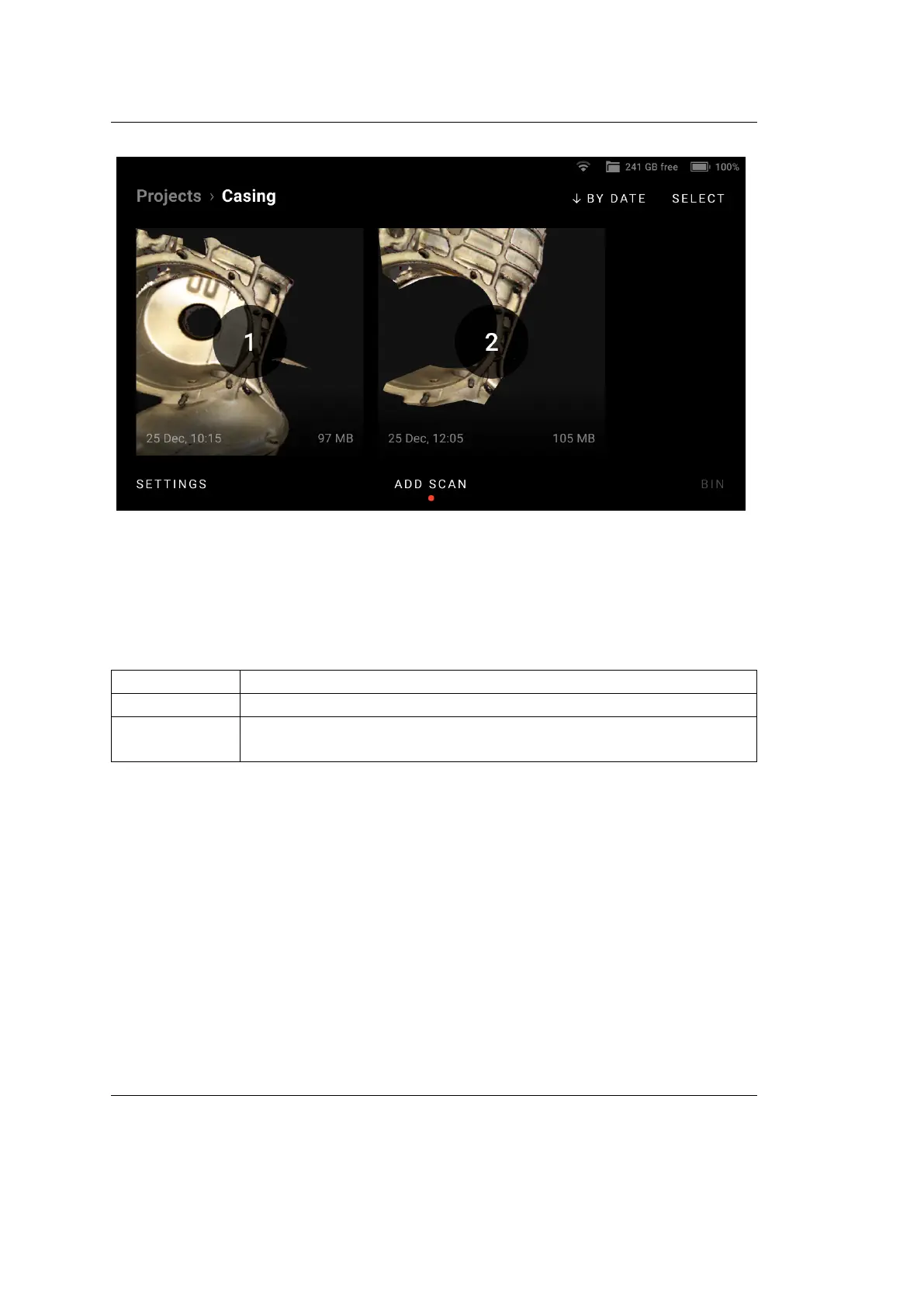
Figure 15: Scans in a project.
3.2.1 View 3D Data
Use the following gestures to navigate 3D content on Artec Leo.
Rotate Move one nger across the screen around the scene.
Pan Move two ngers across the screen.
Zoom Use two ngers: spread them apart to zoom in and move them
toward each other to zoom out.
To bring back and scale the possibly moved away 3D content, use the Fit to view
button.
3.3 Upload Project to Artec Cloud
Using Artec Leo, you can now upload your projects directly to Artec Cloud without
needing SD cards or cables. Artec Cloud is an easy-to-use collaborative platform
that makes your 3D scan data available to you anytime and anywhere.
To upload one or several projects to Artec Cloud:
1. Access the Projects screen.
3.3. Upload Project to Artec Cloud 33



 To Next Page