Artec Leo
6.2.1 Allow Control
Turn on Allow Control to control Leo through your browser. Artec Leo enables
you to access and manage projects, upload targets and perform many other Leo
operations on your browser.
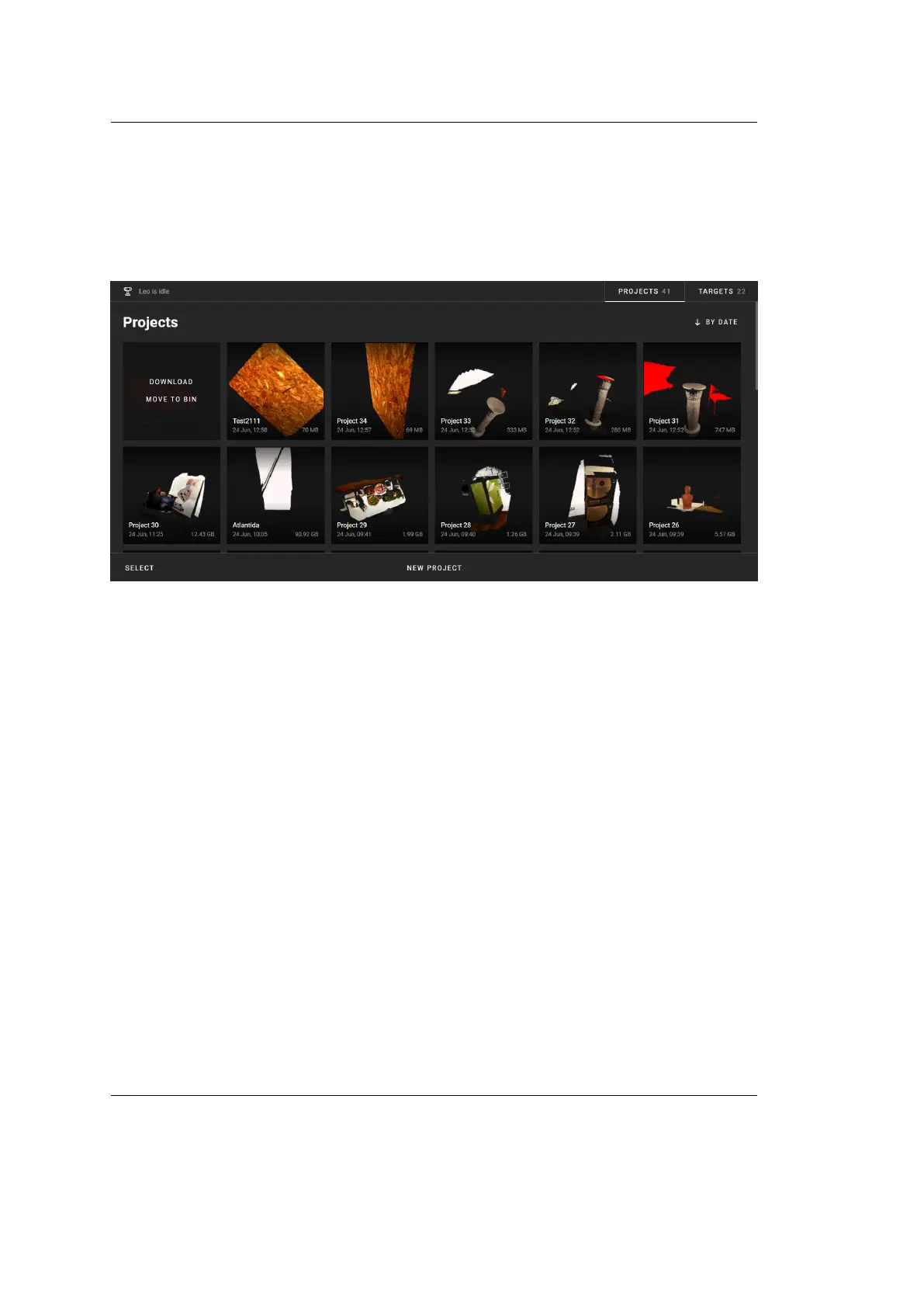
Figure 50: Browser window enabled to control Leo.
To manage Projects, click on the Projects tab on the upper right corner of your
browser window. You will see all Leo projects displayed on your browser window.
• You can add a New Project and rename a project by clicking on the respective
control buttons.
• You can start and add a new scan inside an existing project New scan. The
browser window will display the buttons to control the scan process: Start,
Stop and Close.
• Hovering the cursor on each project will display the Download and Move to
bin buttons.
To manage targets, click on the Targets tab on the upper right corner of your
browser window. You will see all your target les and details there.
• To upload a new target le, tap on Upload. Alternatively, you can drag and
drop your target le from your computer.
6.2. External Display 83



 To Next Page