CHAPTER
EIGHT
GET SUPPORT
If you encounter some issues with Leo scanner, ask for support. If the issue is
severe, the scanner may enter Recovery mode.
8.1 Send Report from Leo
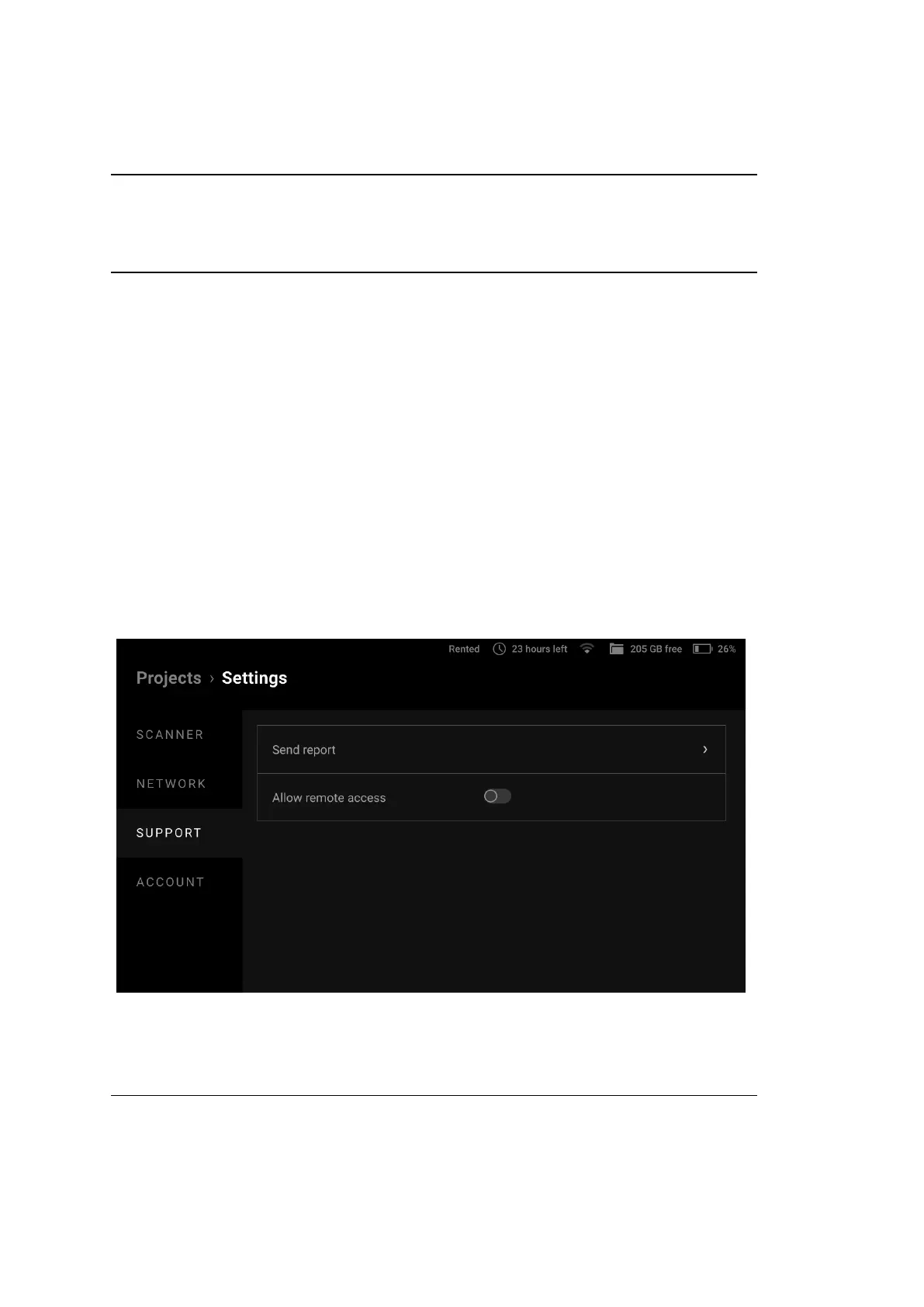
To contact support, you can use Leo menu. Scanner has a form, where you can
attach logs and provide detailed information. If you specied a dierent contact
email in Settings, you’ll receive an answer to this email address.
Figure 52: Support section in scanner settings.
To contact the support team from Leo, perform the following steps:
103



 To Next Page