Artec Leo
4.2.1.3 Why Renew Conguration?
To access projects from Leo, you don’t necessarily need to use the same account
both for the scanner and Artec Studio. A Leo owner may add any my.artec3d
account as trusted from their prole at my.artec3d.
To download the latest scanner settings and license information, tap Renew in the
Scanner conguration eld.
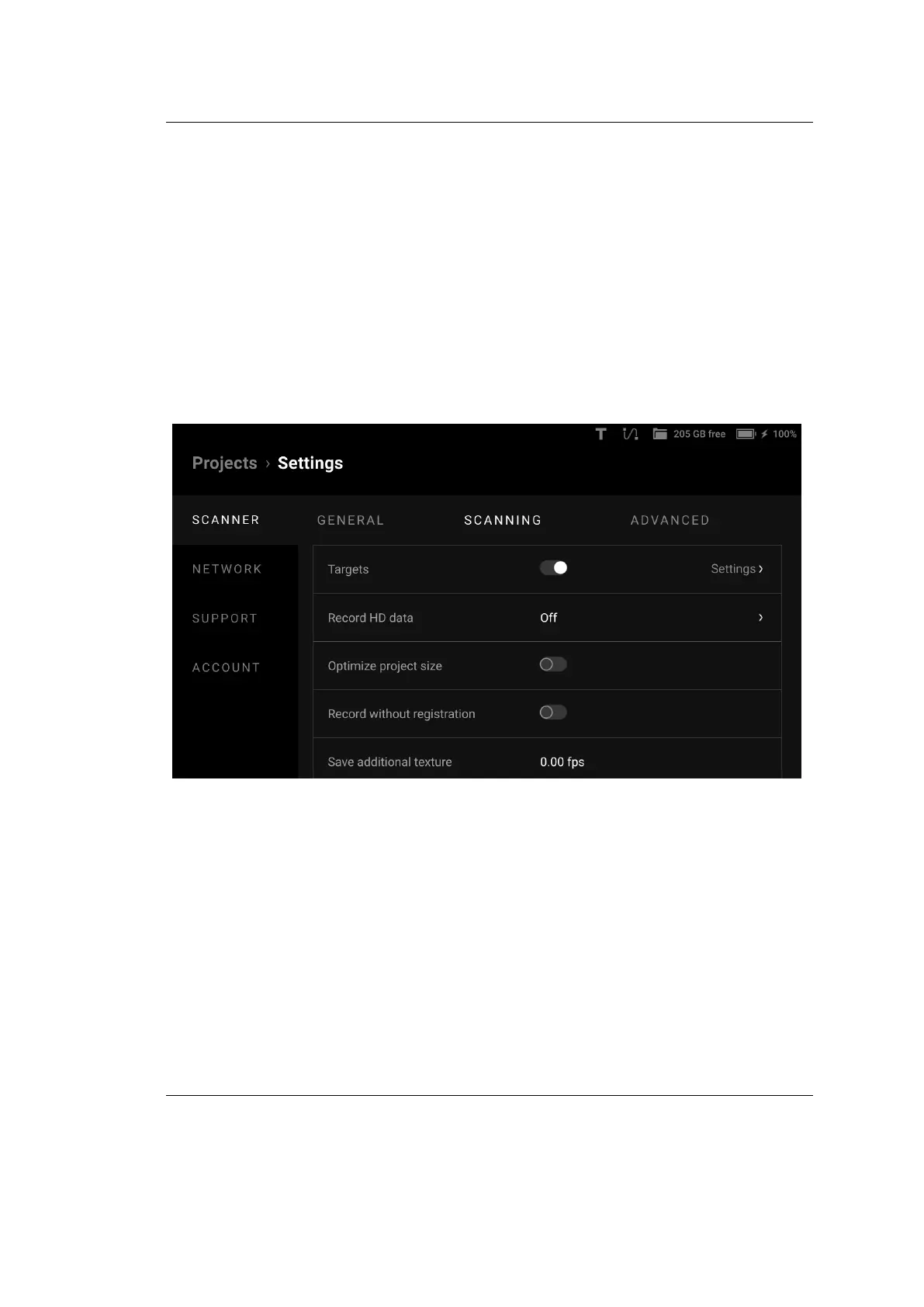
4.2.2 Scanning Settings
The Scanning tab looks as shown in the gure below.
Figure 23: Scanning ← Scanner ← Settings.
The section allows you to make ne tuning of the parameters shown in the table
below.
48 Chapter 4. Settings



 To Next Page