Artec Leo
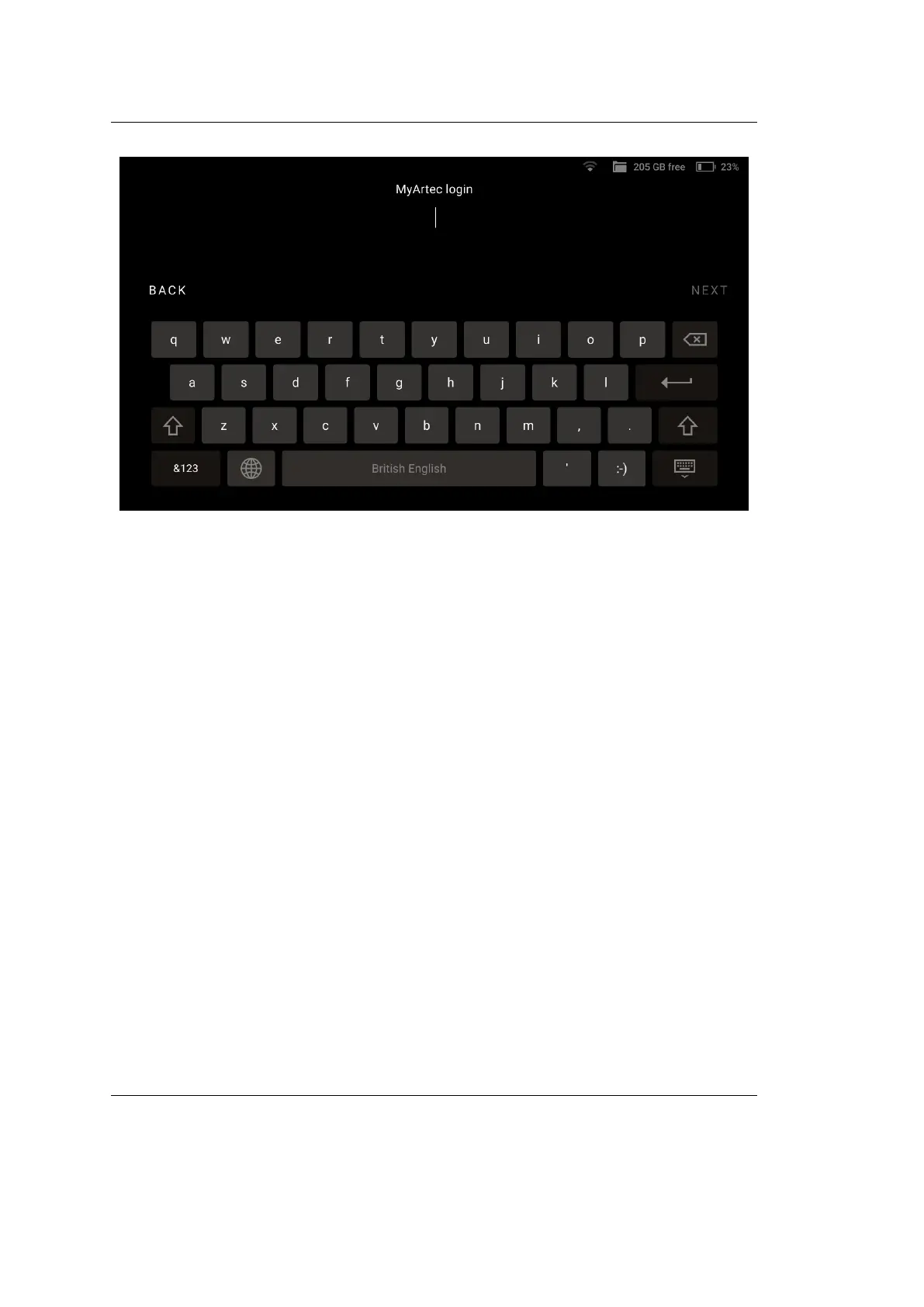
3. Tap Next.
4. Enter your password and tap Next.
5. In the new dialog that appears, enter a name for your Leo.
6. Tap Done.
Your Leo is now ready for operation.
1.5 Apply Serial Number Sticker
The envelope that comes with Leo scanner contains the serial number sticker.
Place it on the underside of your Leo battery housing.
1.5. Apply Serial Number Sticker 9



 To Next Page