Artec Leo
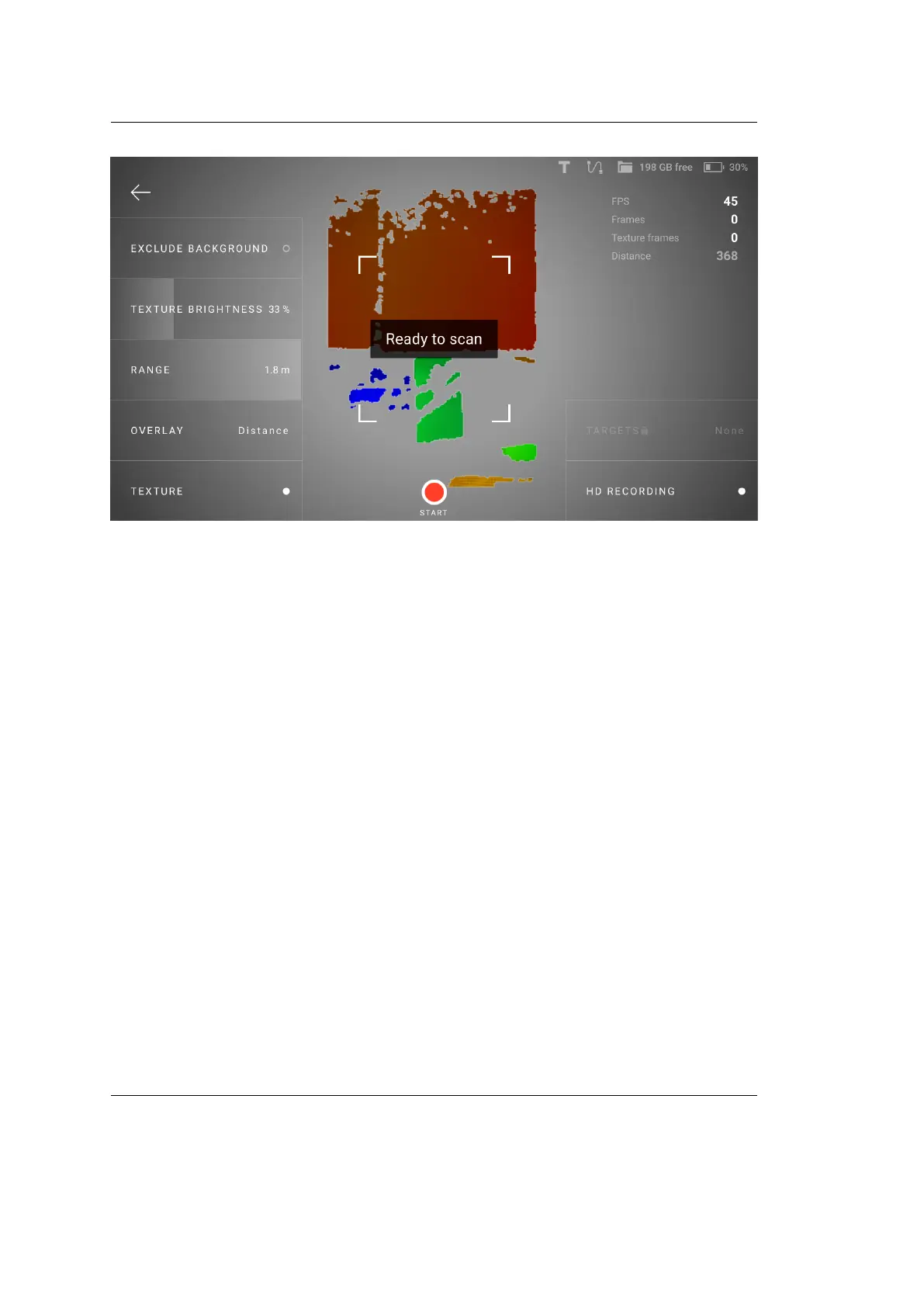
Figure 8: Option to exclude background.
You can adjust the Sensitivity parameter depending on how much of the surround-
ing environment you want to leave out. The Show ‘exclude background’ sensitivity
setting displays the Sensitivity slider on your scan window in the Preview mode,
which can be adjusted before scanning. However, if this option is disabled, you
will be able to adjust the sensitivity after scanning is completed. To adjust sensi-
tivity after scanning, click on the Exclude Background button that appears after
scanning is completed.
Before you import project, ensure that the Exclude background for Leo scans
checkbox is selected in Artec Studio settings.
2.3.5 Texture Brightness
You can adjust texture brightness for scans.
1. Tap New project or Add scan. Leo starts Preview.
2. Direct the scanner at the surface with rich texture which you can use to
assess texture quality.
3. Move the Texture brightness slider left and right to set an optimal value (as
a percentage).
2.3. Congure Scanning 23



 To Next Page