Artec Leo
4.2.2.2 Enable Target-Assisted Scanning
To enable the target-assisted scanning, follow these steps:
1. Select Settings → Scanner → Scanning.
2. In the Targets line, tap Settings.
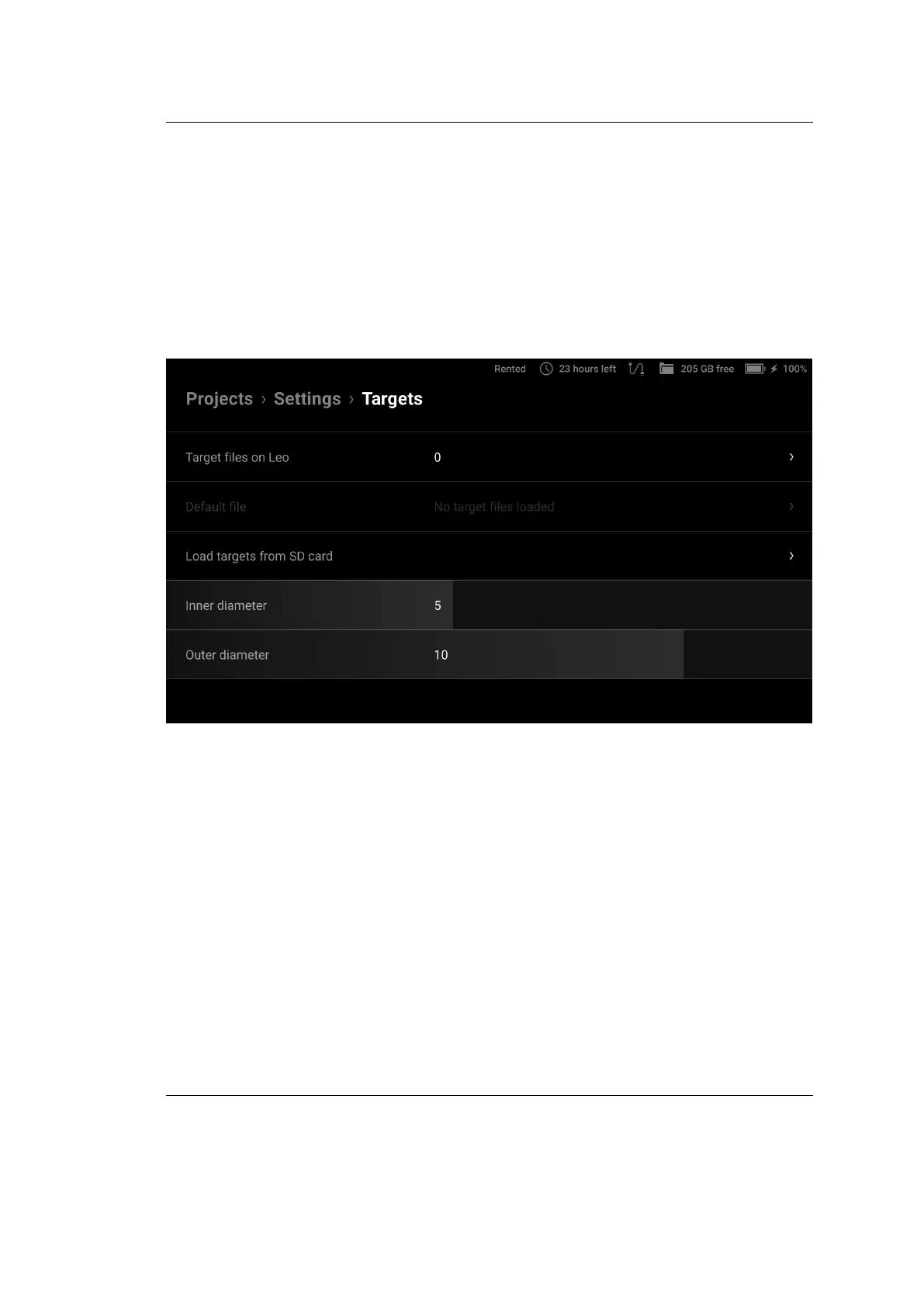
3. On the next screen, specify the inner and outer diameters of the targets and
then tap Target les on Leo.
Figure 25: Settings of Target-Assisted Scanning mode.
You will see a screen with two options for uploading a target le:
the loading from microSD card and the direct loading to Leo using
your browser and an Internet connection.
4. Select one of the uploading options:
• If you select the Load via Internet option, the following screen
appears.
a. Open a browser on the computer where the desired target le
(or les) is stored and enter the IP address shown on Leo’s
screen into the address bar. Leo’s response will appear in the
browser.
52 Chapter 4. Settings



 To Next Page