Artec Leo
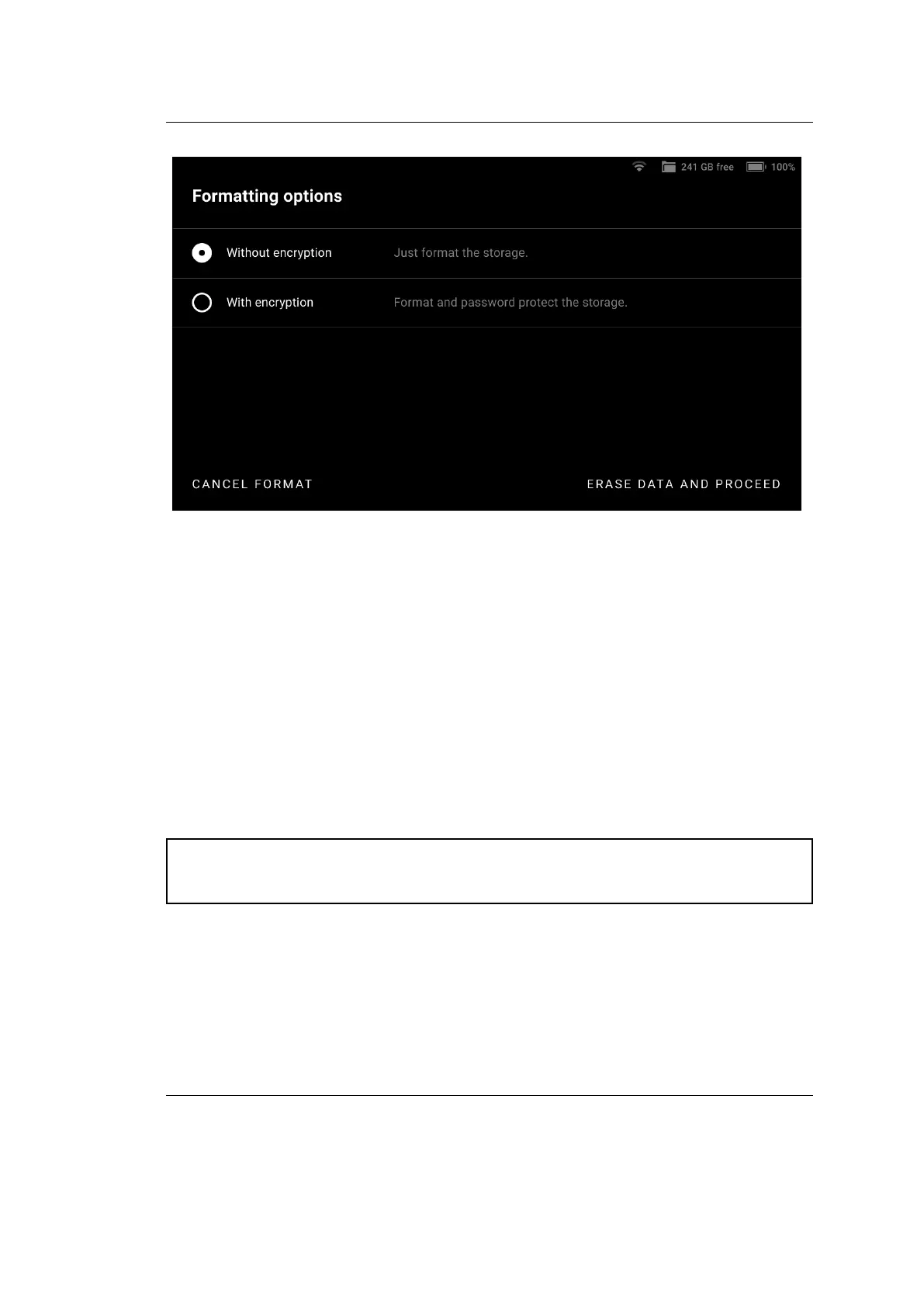
Figure 21: Options of storage formatting and encrypting.
4.2.1.1 Temperature Control
The temperature of a device plays a signicant role in its performance, and Leo
is no dierent. Leo produces exceptionally precise results when it is within a
specic temperature range. At a given point, to produce best scans, enable the
:Temperature Control feature in Settings. This will display a temperature indicator
on Leo’s screen. The temperature indicator shows you whether Leo is in its optimal
temperature range, and also displays the time left for it to reach that state.
An intitial warm-up time of 25 mins after turning on Leo, and an ambient tem-
perature of 25°C is recommended.
Attention: Leo’s battery drains 3 times faster with this feature enabled. It
is advisable to keep extra batteries in hand, when scanning large objects.
46 Chapter 4. Settings



 To Next Page