Artec Leo
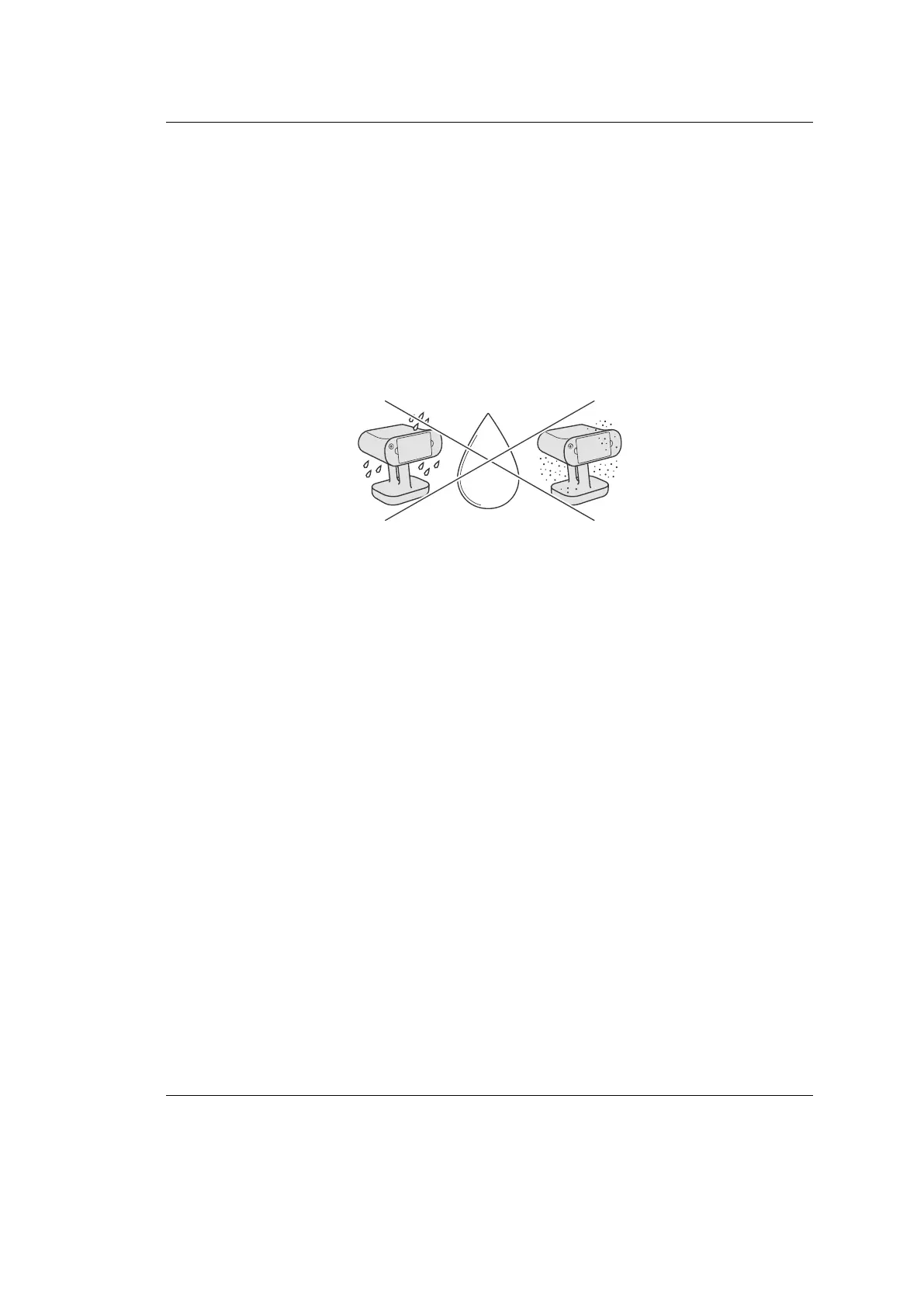
7.2.3 Exposure to Liquid and Dust
Avoid direct exposure to any liquid or dust as it could lead to deterioration in the
device’s performance. If your scanner has been exposed to liquid, turn it o and
unplug power cable. To dry the device, use soft cloth.
file:///C:/Users/admin/ld/_build/latex/humidity.svg
7.3 Transportation and Storage
When transporting your Leo, do so only using the hard case. The Artec Leo
case has been specially engineered and thoroughly impact tested by Artec Europe
Sarl in order to protect the device from any external damage during shipping or
transportation.
96 Chapter 7. Safety and Handling Information



 To Next Page