Artec Leo
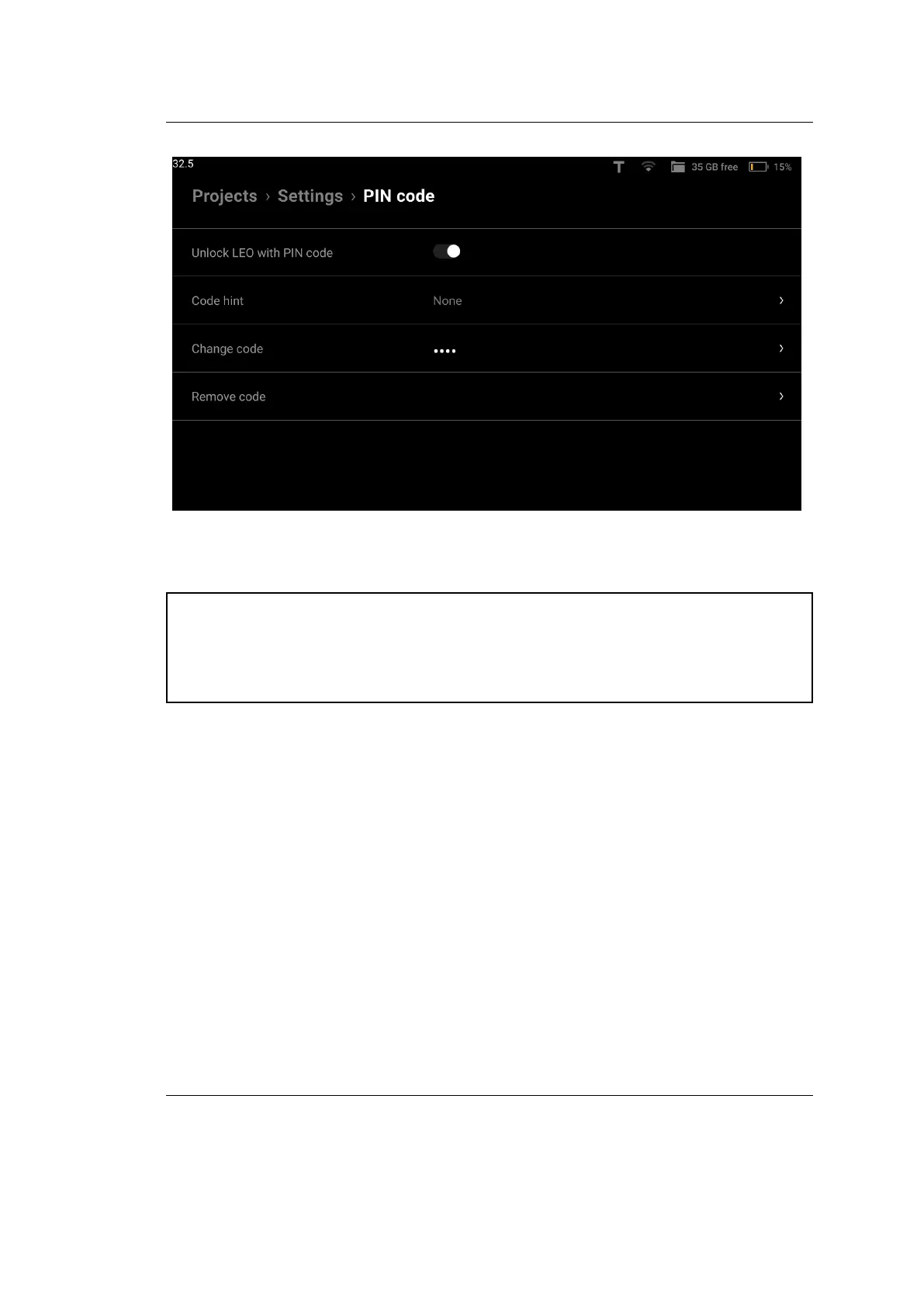
Figure 34: Unlock with PIN Code.
Attention: If you enter the wrong PIN Code three times in a row, our
system will automatically invalidate your PIN Code. You will then have to
reset your PIN Code using your MyArtec credentials. See Reset PIN Code
about recovering your PIN Code.
4.3 Network
To transfer project les, Leo must be connected to the local network. For initial
activation and regular updates, an Internet connection is required.
You can use both wired (Ethernet) and wireless (Wi-Fi) connection to set up
Leo’s communication with other devices. Leo can connect to an existing network
or create one itself.
60 Chapter 4. Settings



 To Next Page